Birthday wishes for mom
Mom birthday wishes with your photos
A mother's birthday is a chance to say thank you for everything she has done, often without being asked. Add photos from your family life, her name, and a message full of gratitude and love. Pick a design, fill in the details in a few minutes, and share a personal link she can open on her phone.
Mom birthday card designs
Check the demo, read the details, or edit the card right away.
 ₹89
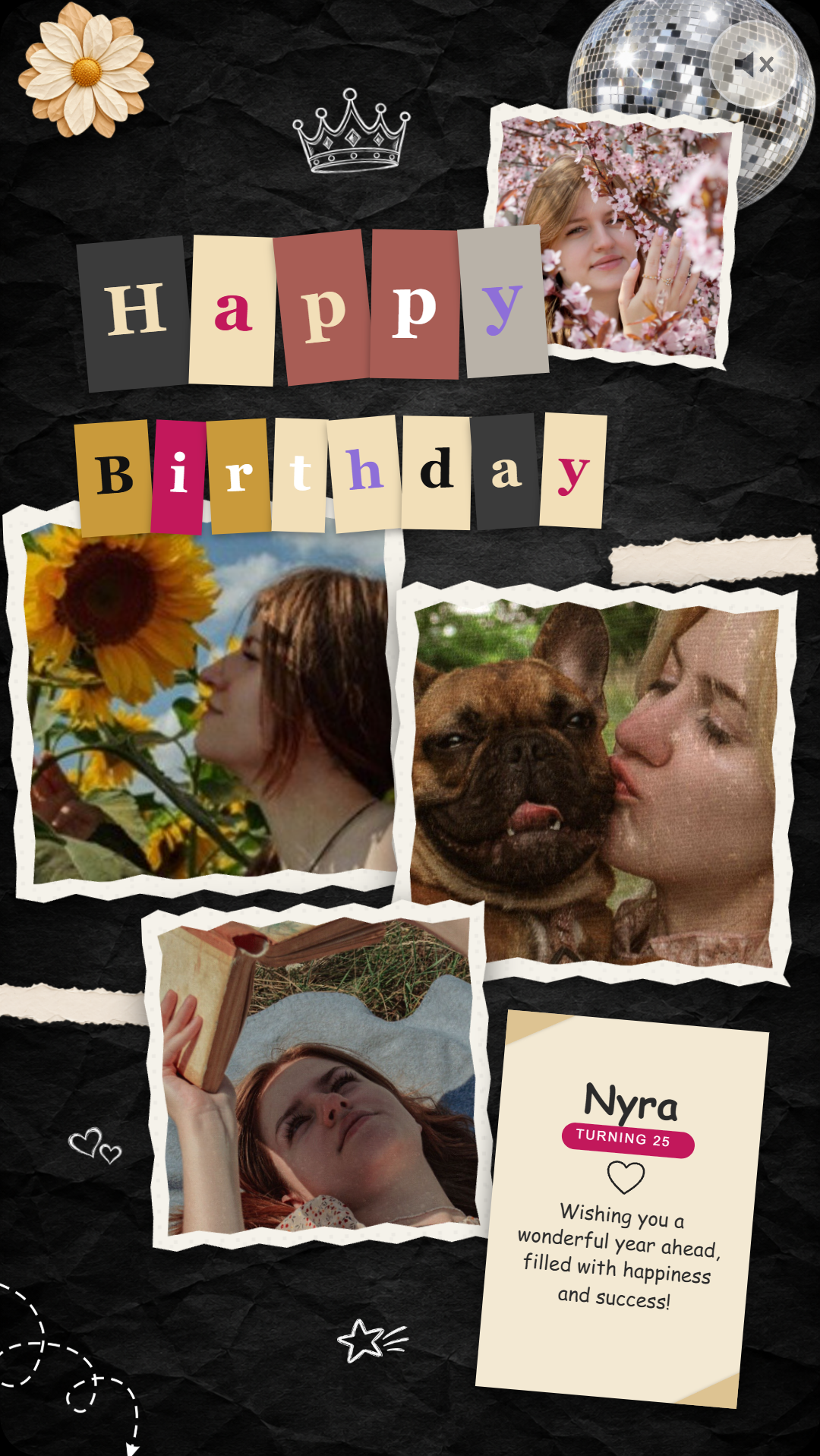
Birthday Cheers
Black crumpled paper collage with torn photos, cut-out letters and doodle stickers.
View details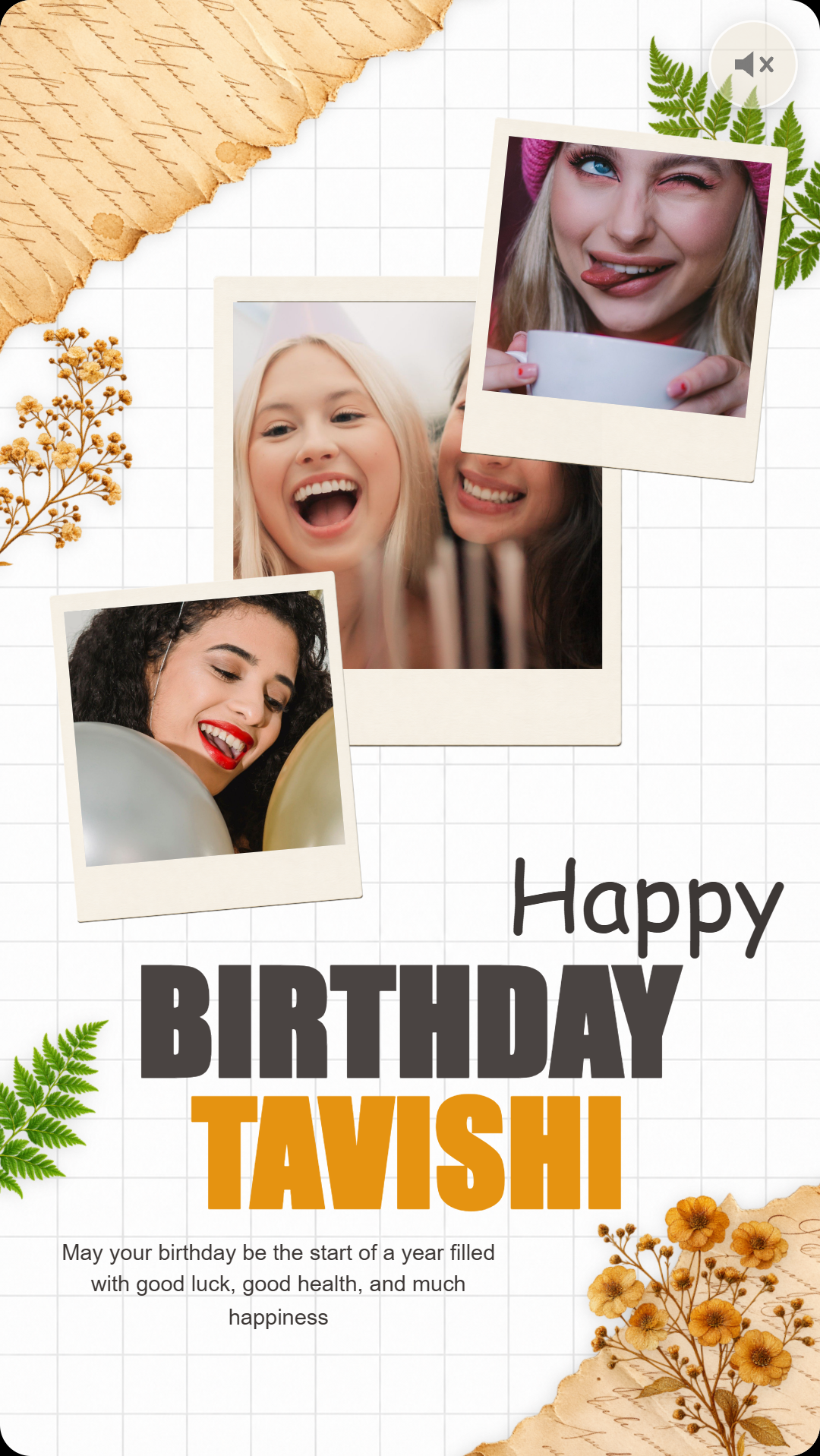 ₹79
Vintage
Vintage scrapbook with handwritten letters, pressed flowers, polaroids and a bold birthday title.
View details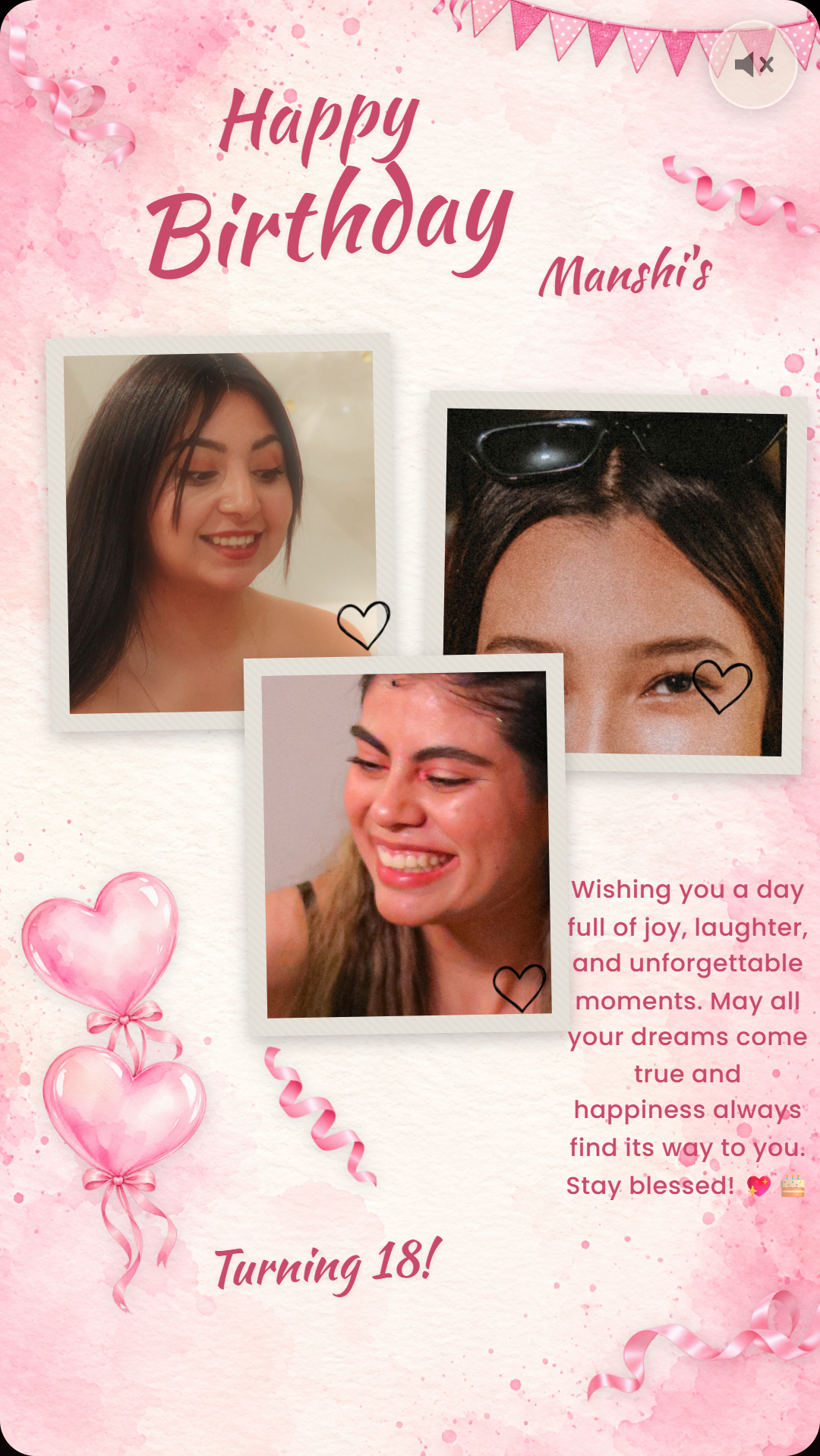 ₹79
Pink Birthday
Pink watercolour card with heart balloons, bunting, ribbons and polaroid photos.
View details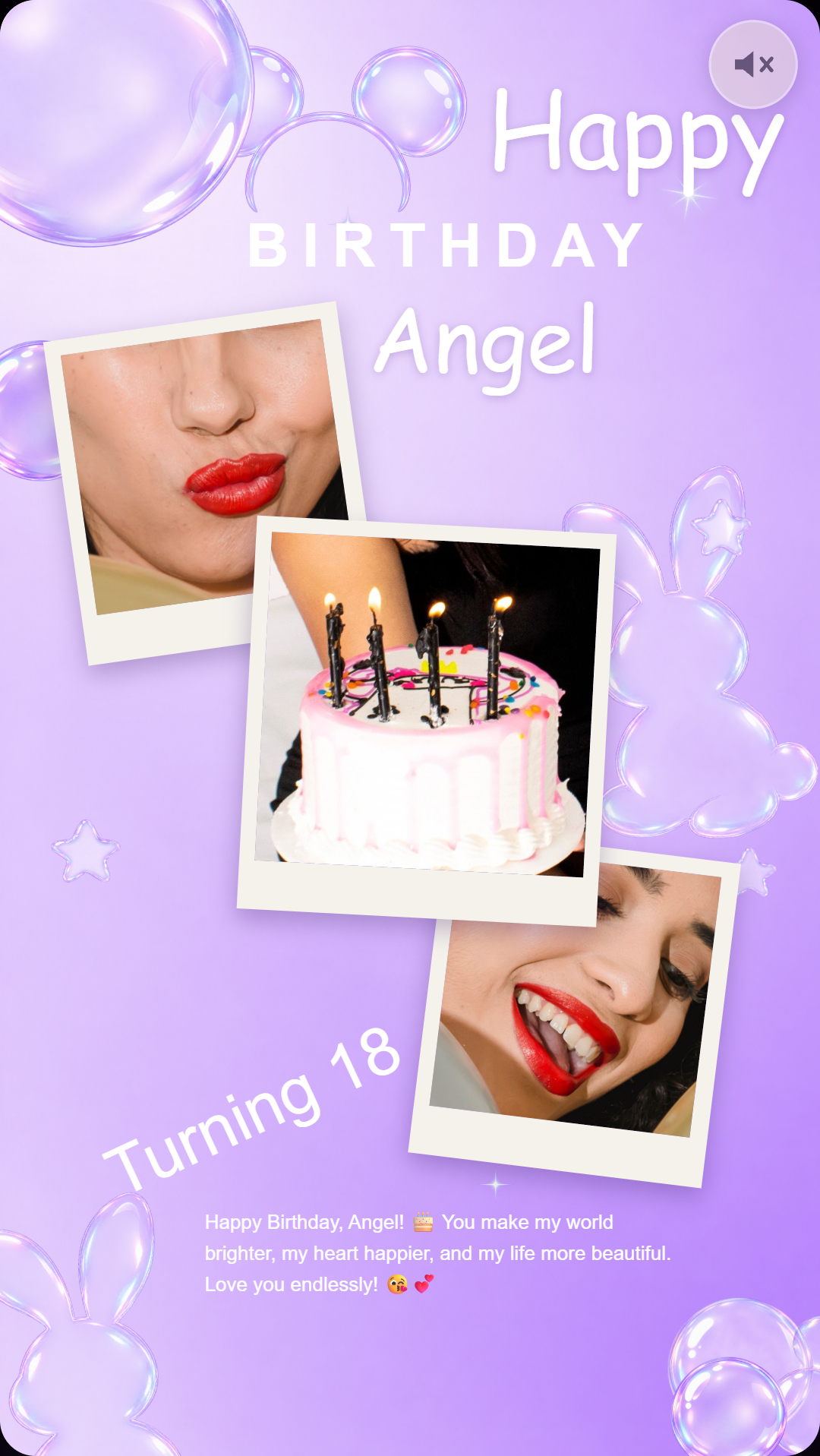 ₹79
Lavender Bubble
Lavender bubble card with glossy bubbles, sparkles and polaroid photos in motion.
View details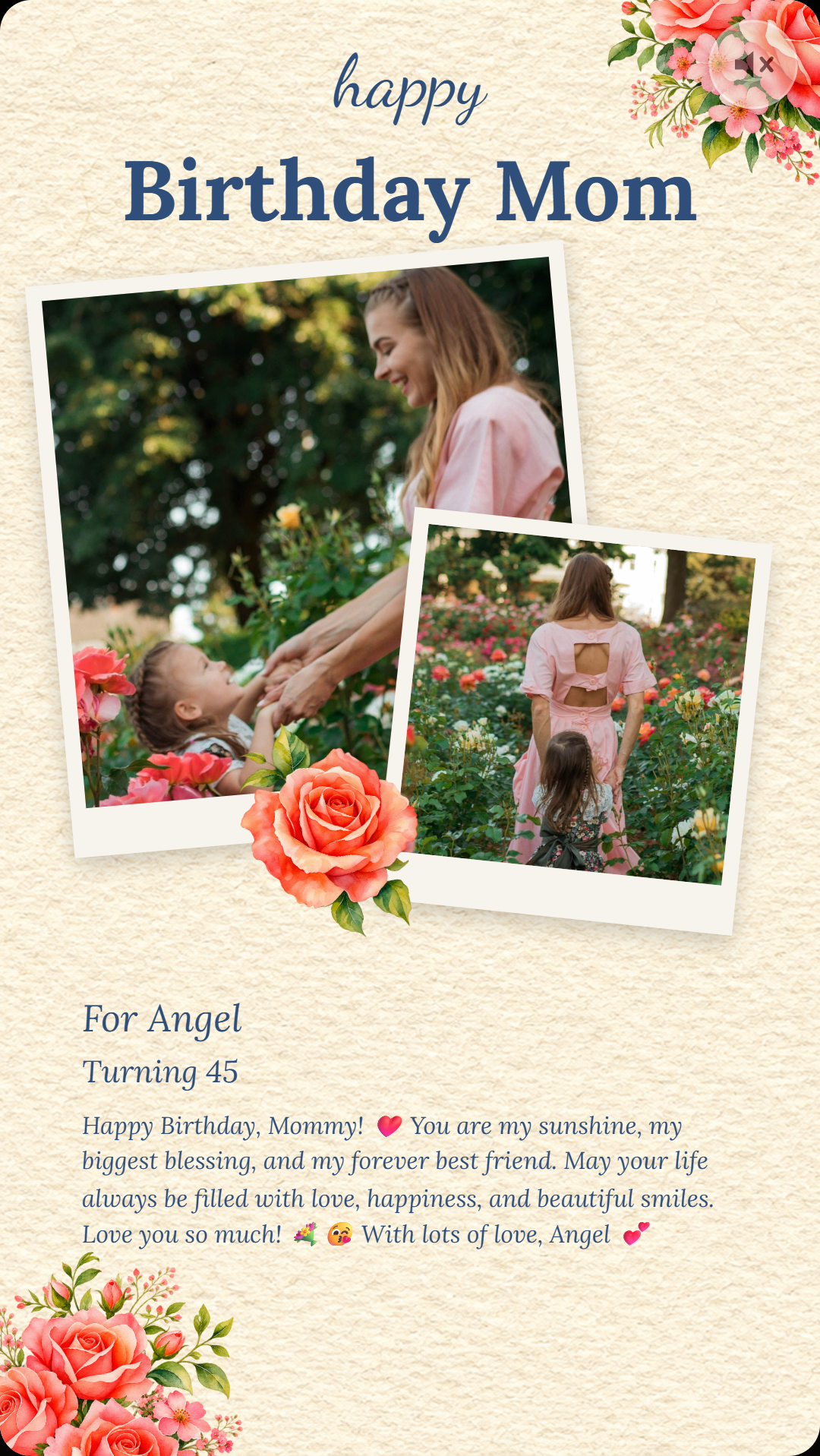 ₹69
Happy Birthday Mom
Soft cream card with heart pattern, polaroid photos, flowers and a heartfelt note for mom.
View details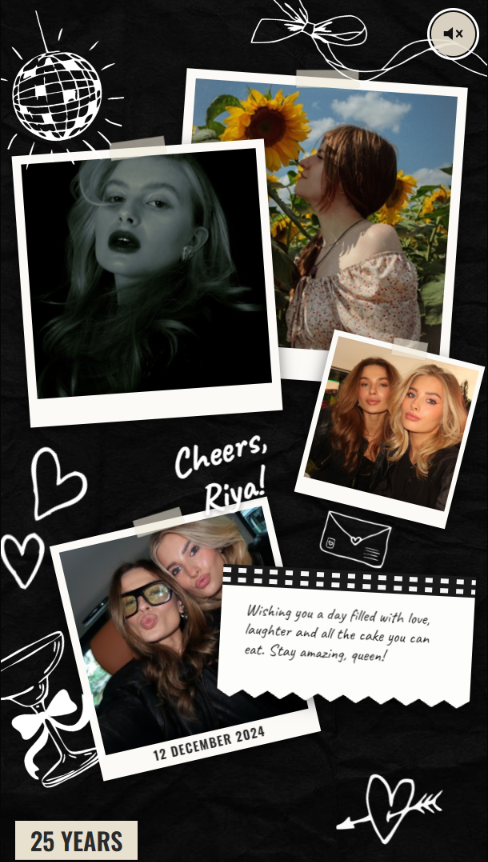 ₹79
How to make a mom birthday card in three steps
The full card takes about three minutes. Preview the design first, then change any detail before you unlock it.
Pick a design for her
The designs above suit a mother's birthday. Open the live demo to see the full card, then press Edit to make your own version.
Add her name, age and photos
Type her name and age, then upload family photos, holiday pictures or moments from celebrations. Choose images where she looks happy.
Write the message, unlock and share
Write a grateful message, check the preview on your phone, unlock the card and send the personal link on WhatsApp.
Why a mom's birthday card means so much
Moms often put everyone else first, and their own birthdays can pass quietly. A personal card gives her a moment that is entirely about her. When she opens it and sees her name, your photos and your words, she knows that her love and effort have been noticed.
The most meaningful cards recall small everyday things: her cooking, the way she waited up, or the advice she gave you years ago. These details make the wish feel true, and they are often the things moms remember longest.

Choosing family photos that show her heart
The best photos for a mom card usually show family life: a festival dinner, a holiday by the sea, or a quiet moment at home. Choose pictures where she is smiling or relaxed, since those are the images she is most likely to treasure.
Upload JPG, PNG or WebP photos within the size limit on the form. Clear faces and good lighting look best on a phone. Two to four photos from different years show how much she has been part of your life.
Writing a grateful birthday message for mom
A message for mom works best when it is specific. Mention one thing she did for you that you never thanked her for, such as staying up during an exam or teaching you something important. Specific memories feel more sincere than general praise.
Finish with a wish for her year ahead. It can be good health, a trip she has wanted to take or simply more time with the family. A short, warm ending makes the card feel complete.
Sending a birthday wish to a mom who lives far away
Many people live away from their parents for work or study, and missing a mother's birthday can be painful. A personal card lets you be part of her day from anywhere. Send it early in the morning so it is the first thing she sees, then follow it with a call.
The link opens on any phone, which is helpful if your mom is not comfortable with apps. She can reopen the card whenever she wants to feel close to you.
Adding her name, age and a song she loves
Her name appears on the card, so check the spelling before paying. The name is locked after unlocking. Age can be shown as a number, or left out if she prefers to keep it private.
A background song adds emotion as soon as the card opens. Choose a preset, upload an audio file, or paste a direct link to a song she enjoys. A devotional song or an old favourite can make the card feel especially personal.
Frequently asked questions
How do I make a birthday wish for my mom with photos?
Pick a design, enter your mom's name and age, write your message, and upload your photos. Preview the card, then unlock it to get a shareable link.
Can I add several family photos to the mom card?
Yes. The create form allows several photos. Each one must be a JPG, PNG or WebP file under the size limit shown on the form.
Can I edit the card after I create it?
Yes, as long as the card is still a trial. You can change her name, age, message and photos. After you unlock the card, the details are locked.
How long does it take to make a mom birthday card?
Most people finish in two to three minutes. The preview is free, so you can check the card before paying.
Is the mom birthday card free?
You can create and preview the card for free. A small one-time payment unlocks it and gives you a shareable link.
Can my mom open the card on her phone?
Yes. The link opens in any mobile or desktop browser. If she is not familiar with apps, you can open it for her on a call.
What should I write for my mom's birthday?
Mention one specific thing she did for you, add a warm memory, and finish with a wish for her year ahead.
Can I add a song to the mom birthday card?
Yes. You can choose a preset song, upload an audio file, or paste a direct link to an MP3, M4A, OGG or WAV file.
Can I send the card to a mom who lives in another city?
Yes. The personal link works from anywhere with an internet connection, so distance is not a problem.
Can I share the link with the whole family?
Yes. After unlocking, the link stays active for the validity period shown on your manage page, and you can share it with relatives.
Can I make a surprise birthday card for my mom?
Yes. Prepare the card in advance, preview it, and send it at the moment you want. You can keep it private until you unlock and share it.
What if I want to delete the card?
You can delete any card from your manage page, and the card and its photos are removed from our system.
More birthday wishes
Make their birthday unforgettable
Pick a design, add your photos, and share a personal link in minutes.
Choose a designLast updated: 2026-11-21