Birthday wishes for best friend
Best friend birthday wishes with your photos
A best friend has seen every version of you, so the birthday wish should sound like the two of you. Add your favourite photos together, your friend's name, and a note full of inside jokes and honest praise. Pick a design, add the details in a few minutes, and share a personal link they can open on their phone.
Best friend birthday card designs
Check the demo, read the details, or edit the card right away.
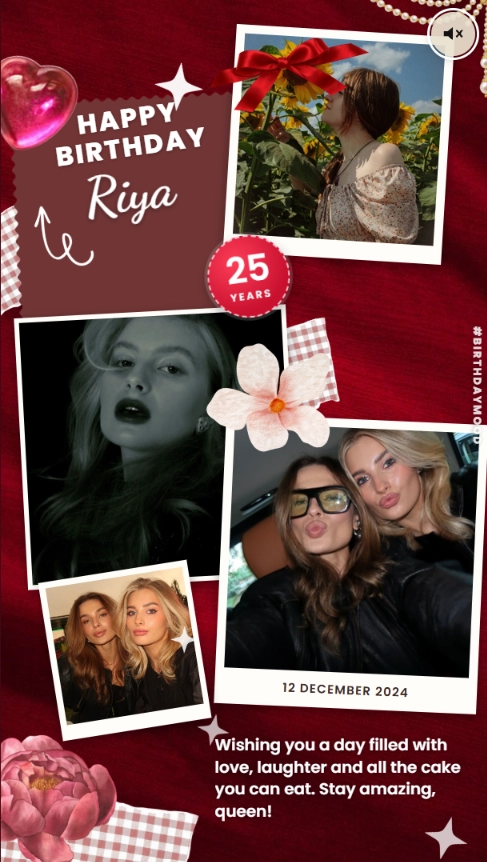 ₹79
 ₹89
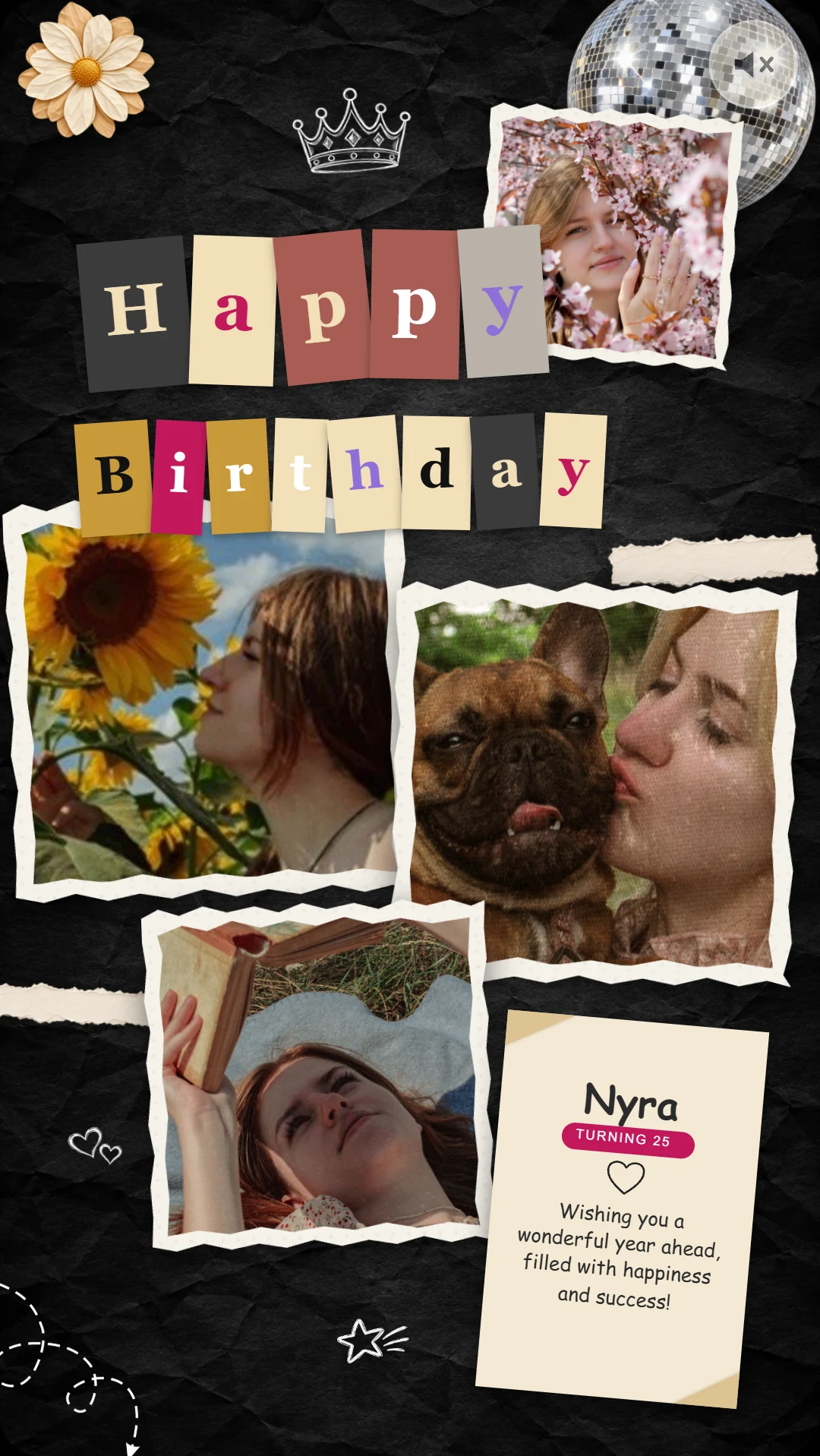
Birthday Cheers
Black crumpled paper collage with torn photos, cut-out letters and doodle stickers.
View details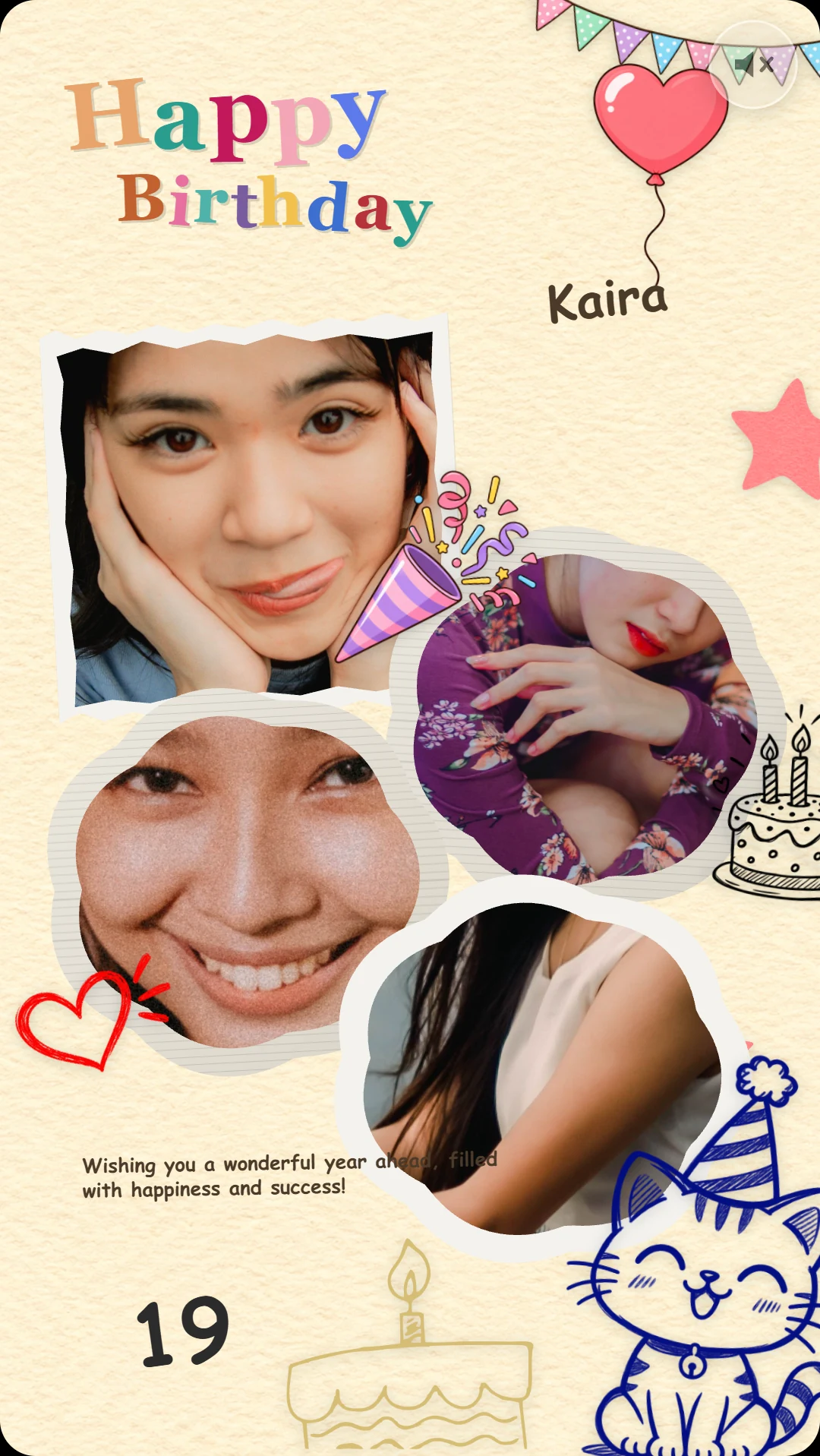 ₹89
Cream Collage
Cream paper collage with cut-out letters, cloud-cut photos and doodle stickers.
View details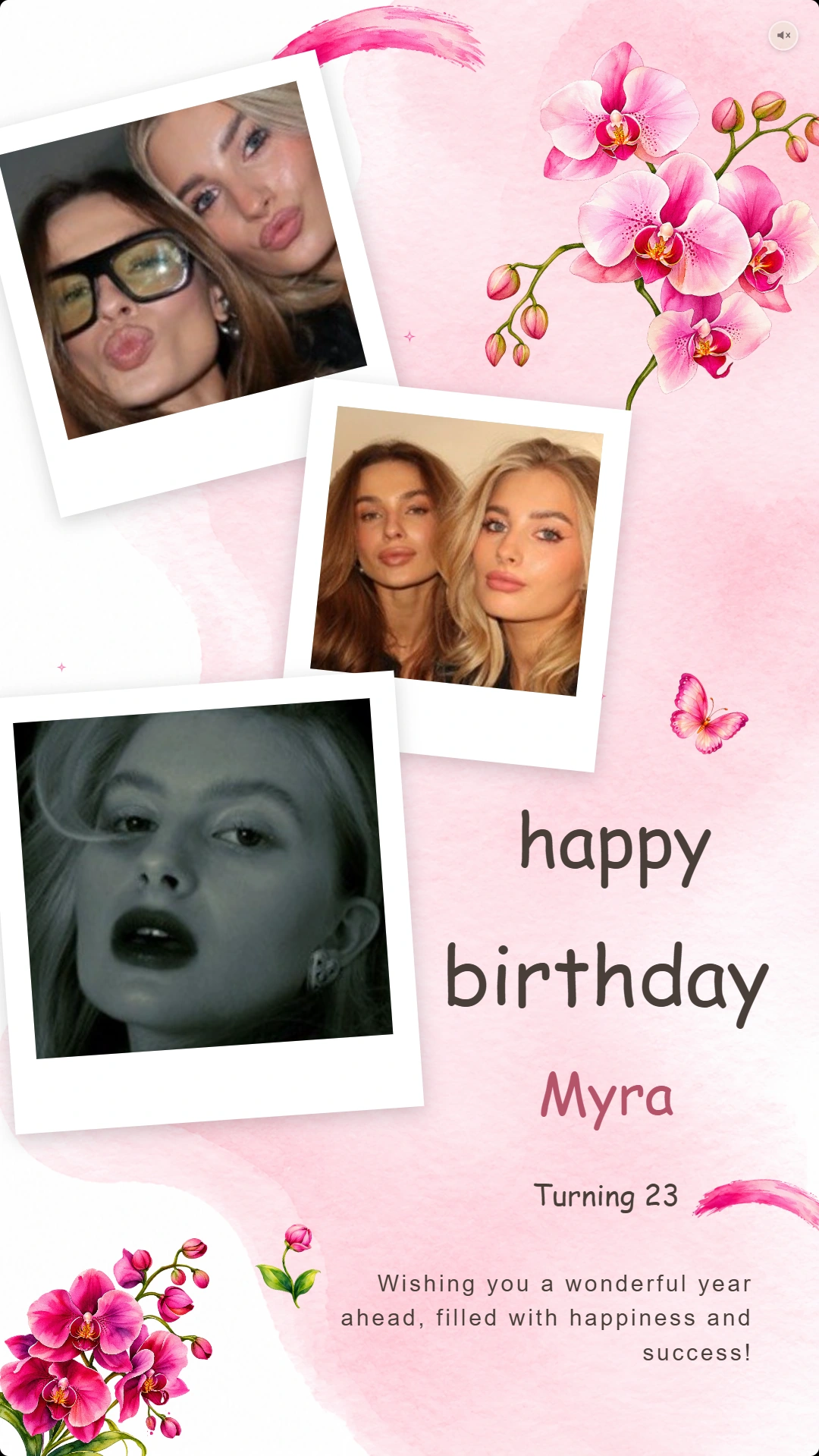 ₹79
 ₹79
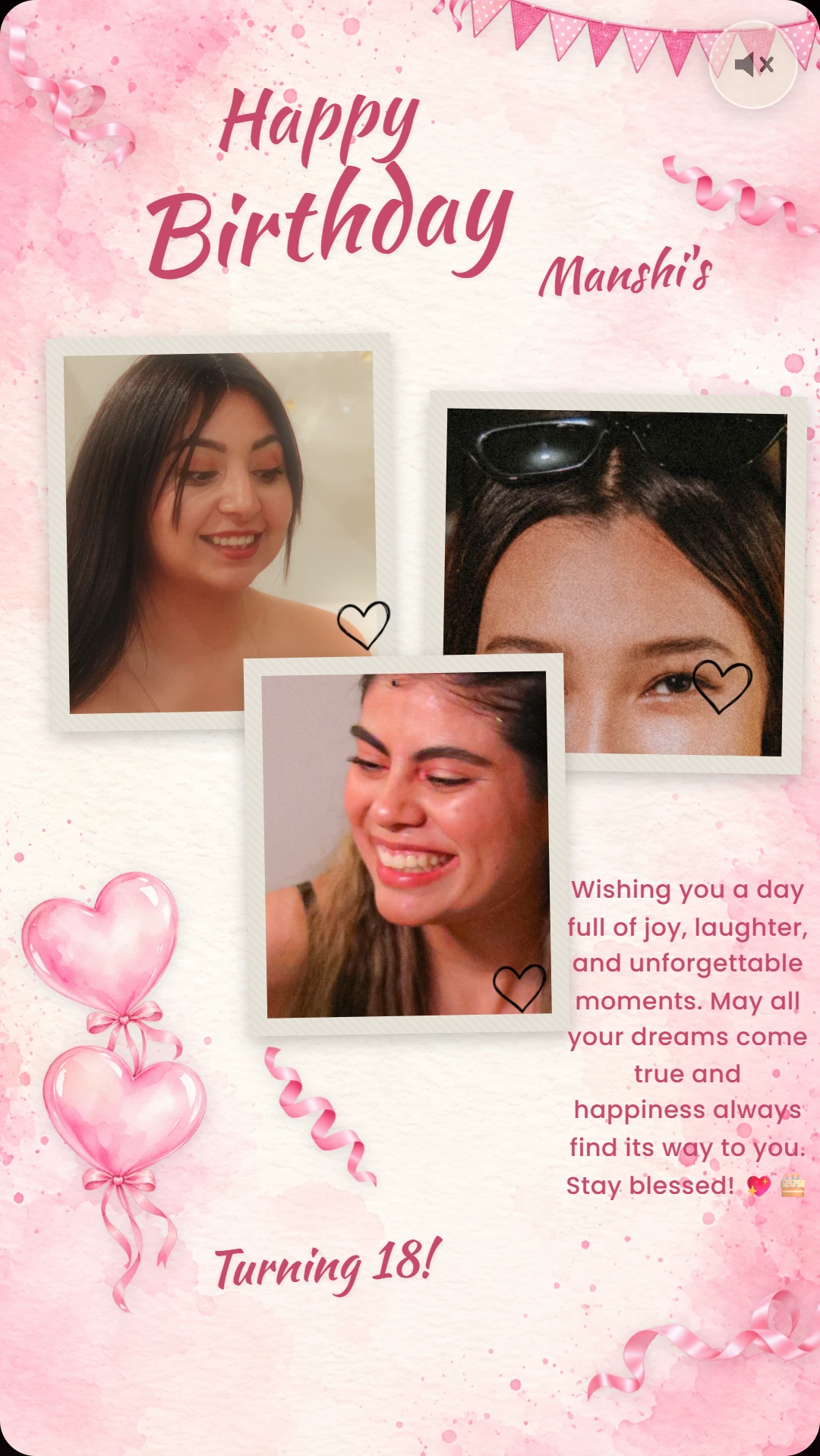
Pink Birthday
Pink watercolour card with heart balloons, bunting, ribbons and polaroid photos.
View details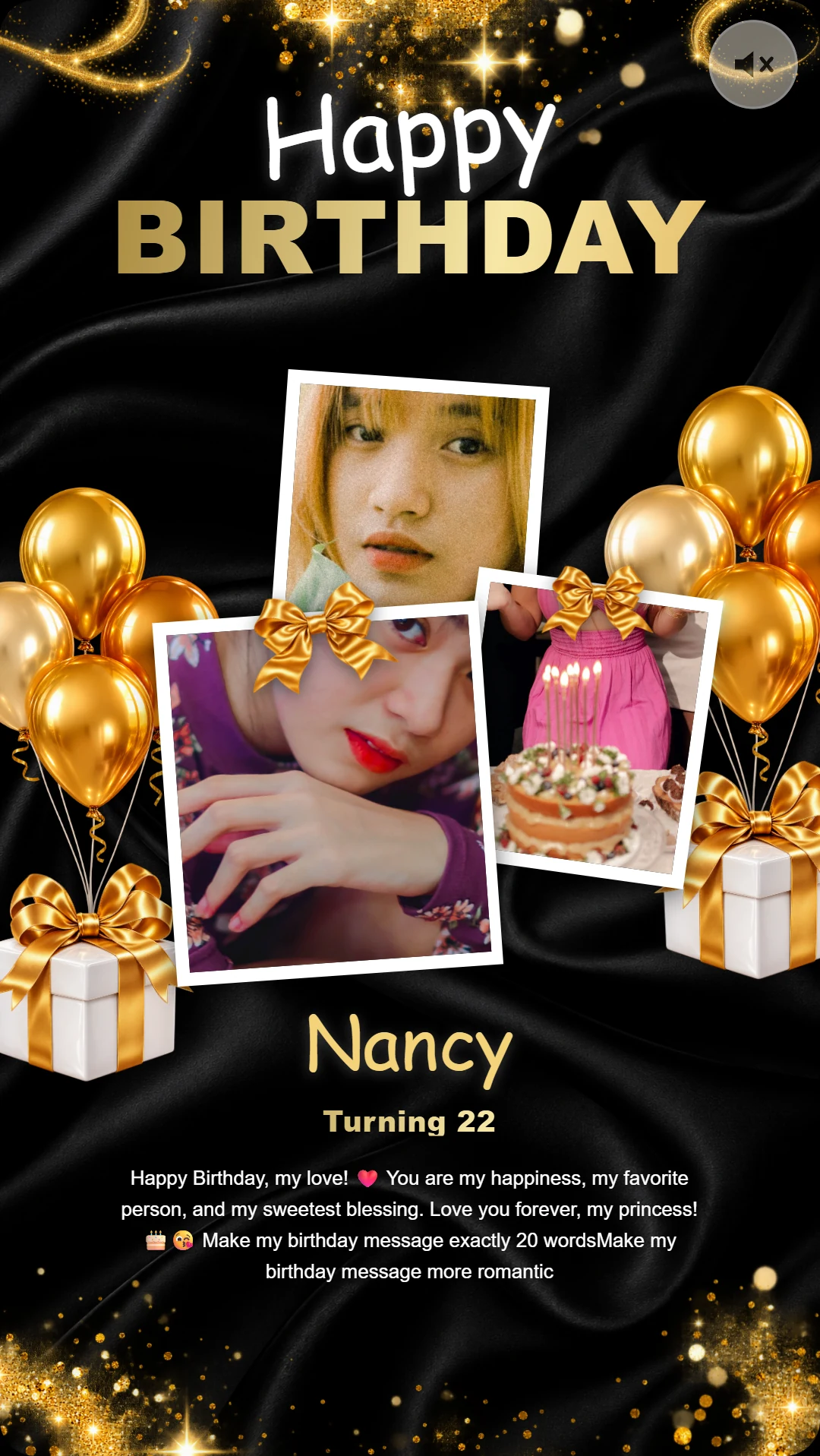 ₹89
Night Gold
Black silk night card with gold balloons, gift boxes, shimmering BIRTHDAY text and polaroid photos.
View details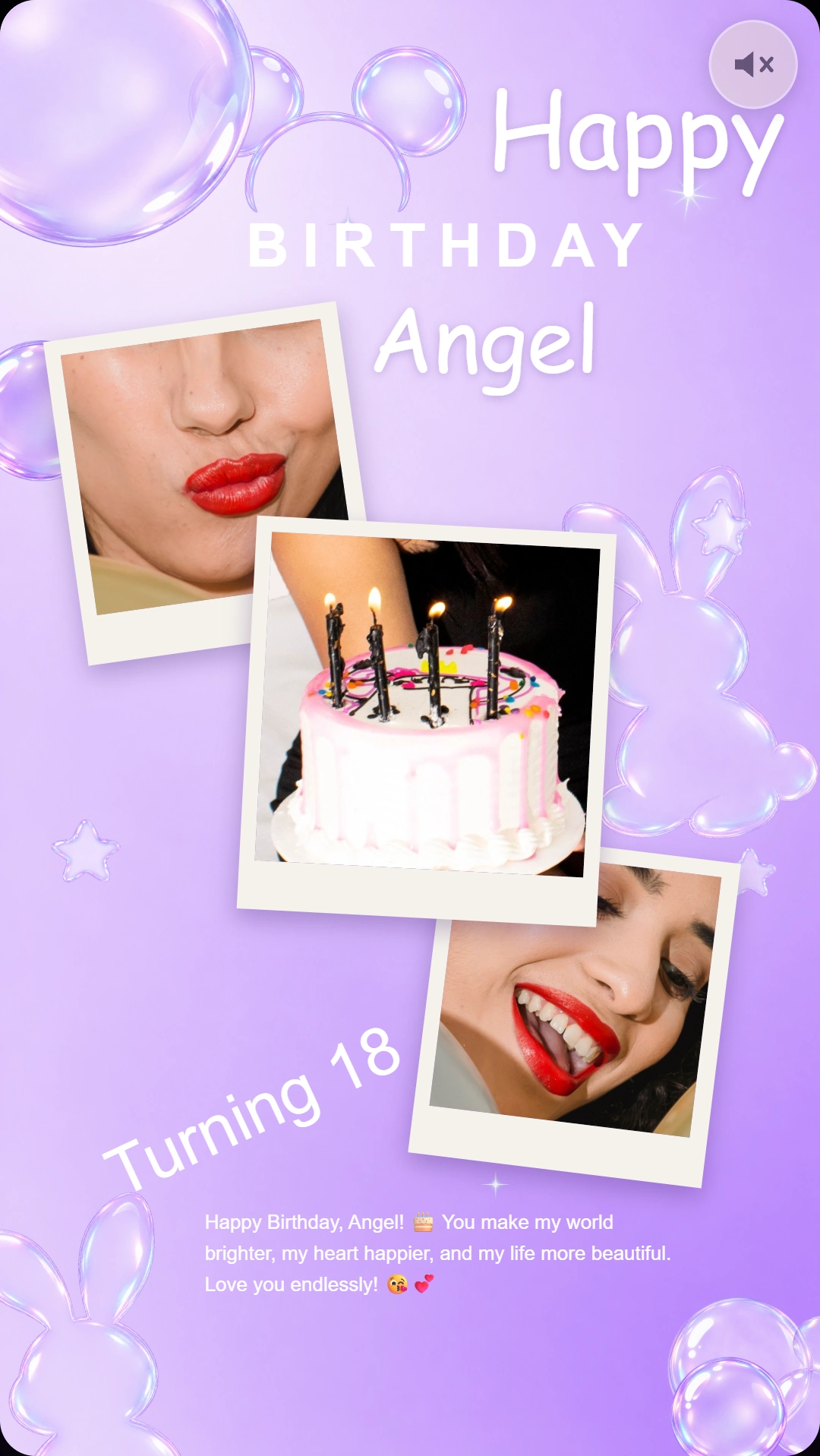 ₹79
Lavender Bubble
Lavender bubble card with glossy bubbles, sparkles and polaroid photos in motion.
View details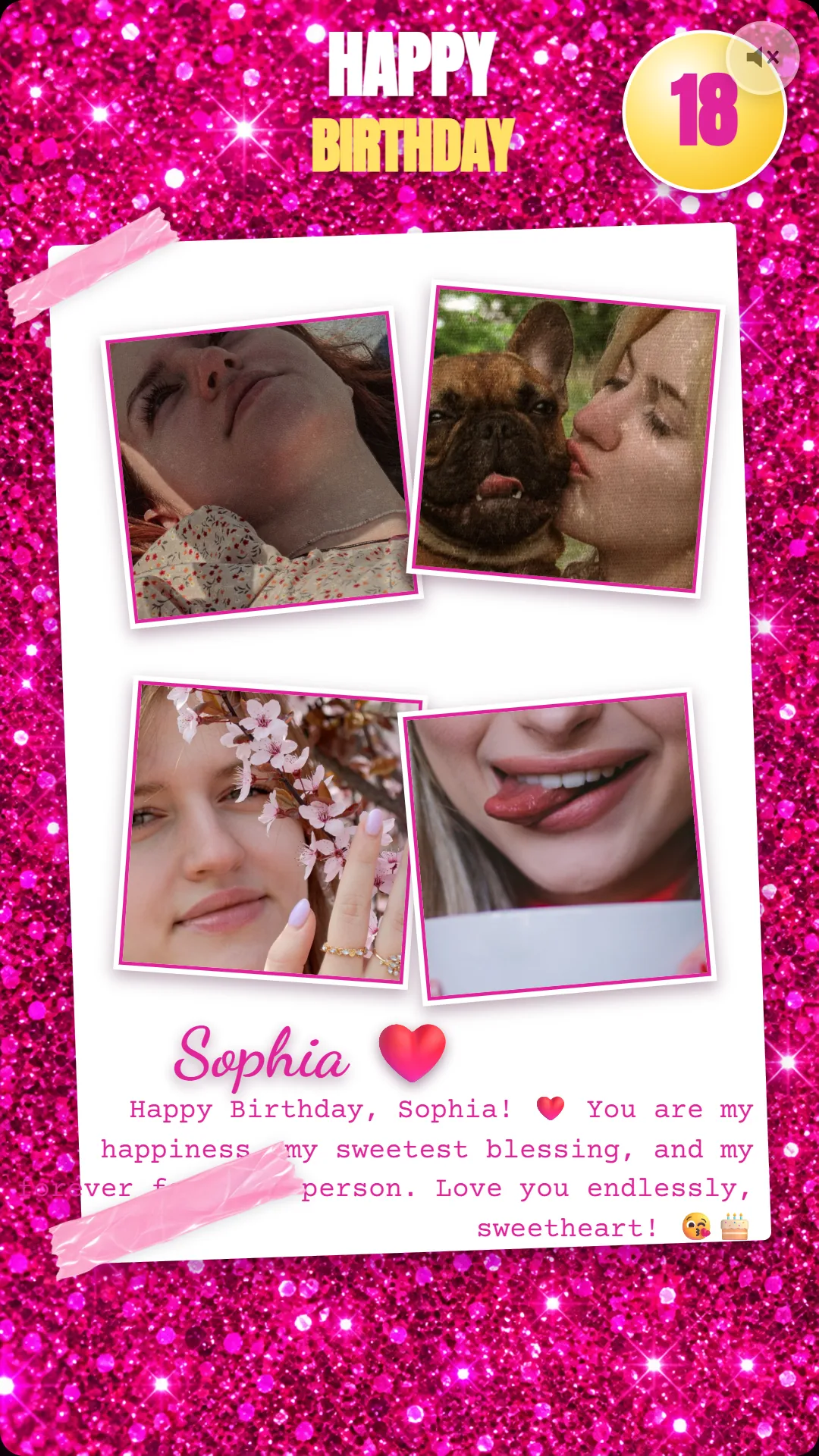 ₹79
Glitter Pink
Sparkling pink glitter background with a white polaroid frame and four photos.
View details
How to make a best friend birthday card in three steps
The whole card takes about three minutes. Preview the design first, then change anything you like before you unlock it.
Pick a fun design
The designs above suit friendship birthdays. Open the live demo to see the full card, then press Edit to make your own.
Add their name, age and photos
Type their name and age, then upload photos from your adventures together. Choose pictures that make you both laugh.
Write the note, unlock and send
Write a short note with one inside joke, check the preview, unlock the card and send the link on WhatsApp.
Why a best friend birthday needs a personal card
Friendship grows through small shared moments: late night chats, road trips, bad jokes and the people you call in a crisis. A generic birthday message does not reflect any of that. A personal card brings those moments back, so your best friend feels remembered in a way that is unmistakably theirs.
A personal card also shows effort without needing a big gift. Picking the photos, writing the note and choosing the design tells your friend that you thought about them specifically. That kind of care is what most best friends remember years later.

Choosing photos that show your friendship
The best photos for a best friend card show the two of you being yourselves. A picture from a road trip, a messy kitchen session or a concert where you both sang too loudly often means more than a posed portrait. Choose a few images that tell different parts of your story.
Keep faces clear and avoid very dark or blurry shots. Upload JPG, PNG or WebP files within the size limit on the form. Three or four strong photos usually look better on a phone than a crowded collection.
Balancing humour and sincerity in your message
Most best friend messages work best when they mix a laugh with one honest line. Start with an inside joke only the two of you would get, then finish with something you genuinely value about them, such as their loyalty or the way they always know what to say.
If your friendship is built on teasing, a playful tone is perfect. If you are more emotional, keep the joke short and let the sincere line carry the message. Read it out loud before you unlock, and make sure it sounds like something you would actually say.
Sending a birthday wish to a best friend who lives far away
Best friends often end up in different cities after school, jobs or marriage. Missing a birthday because of distance is one of the hardest parts of that. A personal card lets you be part of the day without a flight, and the link works on any phone or laptop.
Send the link at the start of their morning so it is the first thing they see. Follow it with a call or a voice note, and let the card be something they can reopen later when they miss you.
Adding their name, age and a song you both love
Their name is the first thing they see on the card, so double check the spelling before you pay. The name is locked after unlocking. Age can be shown as a number, or left out if they would rather keep it private.
A background song can set the mood as soon as the card opens. Choose a preset, upload an audio file, or paste a direct link to a song. A track from a road trip or a shared favourite band makes the card instantly feel like yours together.
Frequently asked questions
How do I make a birthday wish for my best friend with photos?
Pick a design, enter your friend's name and age, write your note, and upload your photos. Preview the card, then unlock it to get a shareable link.
Can I add more than one photo for my best friend?
Yes. The create form allows several photos. Each one must be a JPG, PNG or WebP file under the size limit shown on the form.
Can I edit the card after I create it?
Yes, as long as the card is still a trial. You can change the name, age, message and photos. After you unlock the card, the details are locked.
How long does it take to make the card?
Most people finish a best friend birthday card in two to three minutes. The preview is free, so you can check it before paying.
Is the best friend birthday card free?
You can create and preview the card for free. A small one-time payment unlocks it and gives you a shareable link.
Can my best friend open the card on their phone?
Yes. The link opens in any mobile or desktop browser, so they do not need to install an app.
What should I write in a best friend birthday message?
Write one inside joke, one thing you value about them, and one plan for the year ahead. Short and honest messages usually feel the most personal.
Can I add a funny message for my best friend?
Yes. A playful note with a shared joke works well. Choose a lively design and add photos that make you both laugh.
Can I send the card to a friend in another city?
Yes. The personal link works from anywhere with an internet connection, so distance is not a problem.
Can I share the link with other friends?
Yes. After unlocking, the link stays active for the validity period shown on your manage page, and you can share it with anyone you choose.
Can I add a song to the card?
Yes. You can choose a preset song, upload an audio file, or paste a direct link to an MP3, M4A, OGG or WAV file.
What if I want to delete the card?
You can delete any card from your manage page, and the card and its photos are removed from our system.
More birthday wishes
Make their birthday unforgettable
Pick a design, add your photos, and share a personal link in minutes.
Choose a designLast updated: 2026-11-21