Birthday wishes for kids
Kids birthday wishes with their photos
A child's birthday is full of excitement, and a card with their own photos makes the day even brighter. Add a picture of your little one, their name and age, and a cheerful message. Pick a bright design, fill in the details in a few minutes, and share a personal link the child can open on a parent's phone.
Kids birthday card designs
Check the demo, read the details, or edit the card right away.
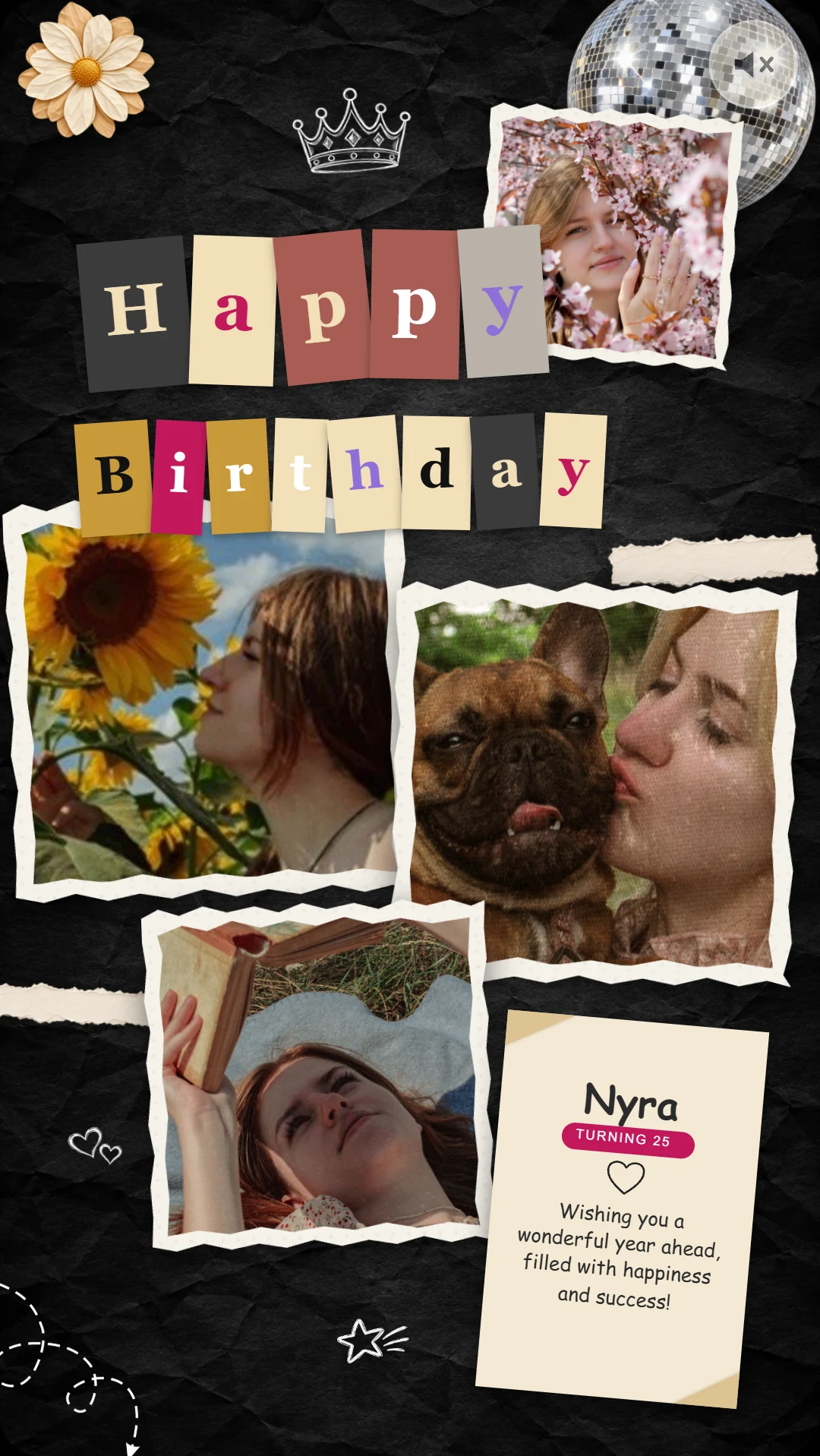 ₹89
Birthday Cheers
Black crumpled paper collage with torn photos, cut-out letters and doodle stickers.
View details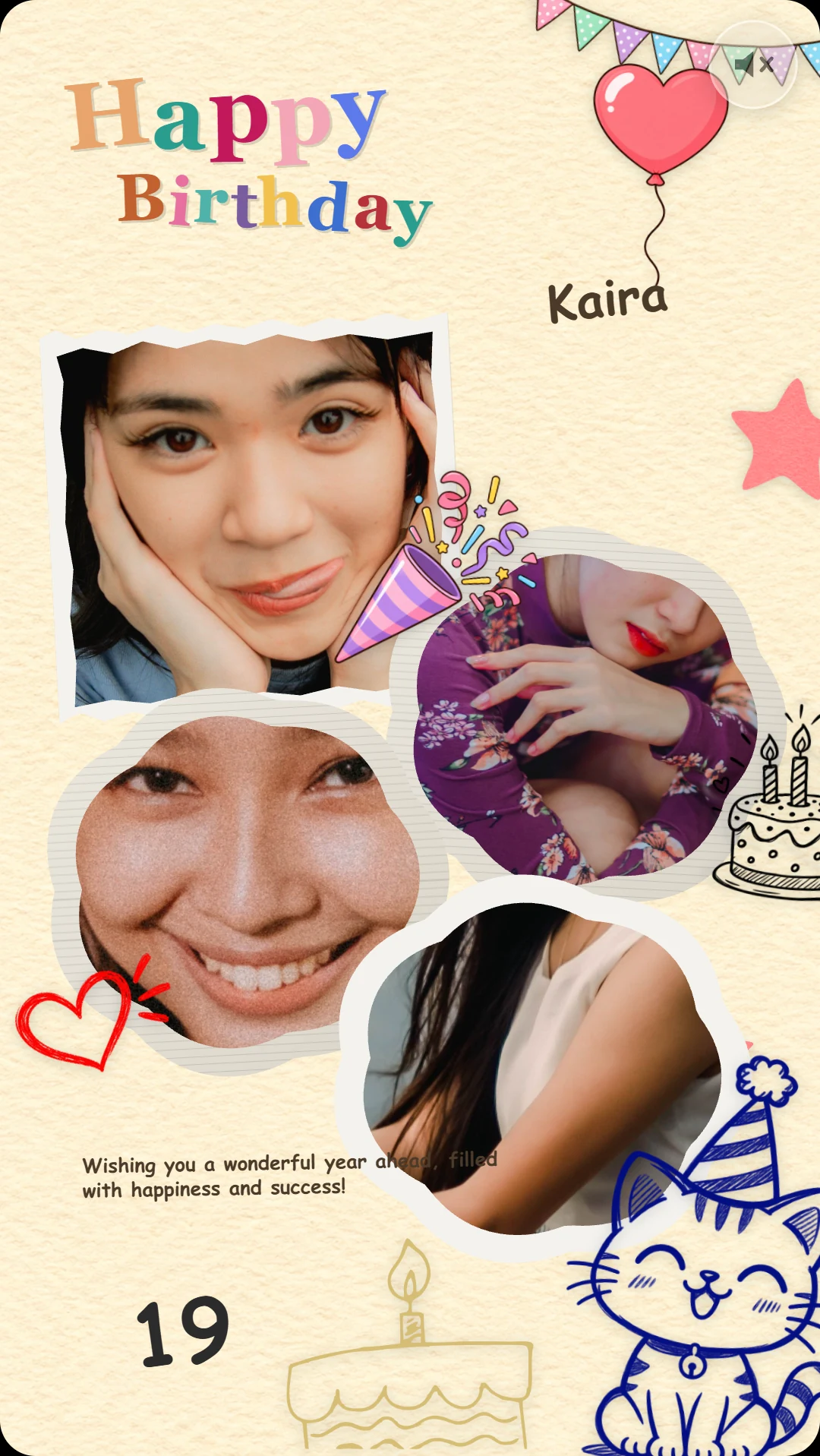 ₹89
Cream Collage
Cream paper collage with cut-out letters, cloud-cut photos and doodle stickers.
View details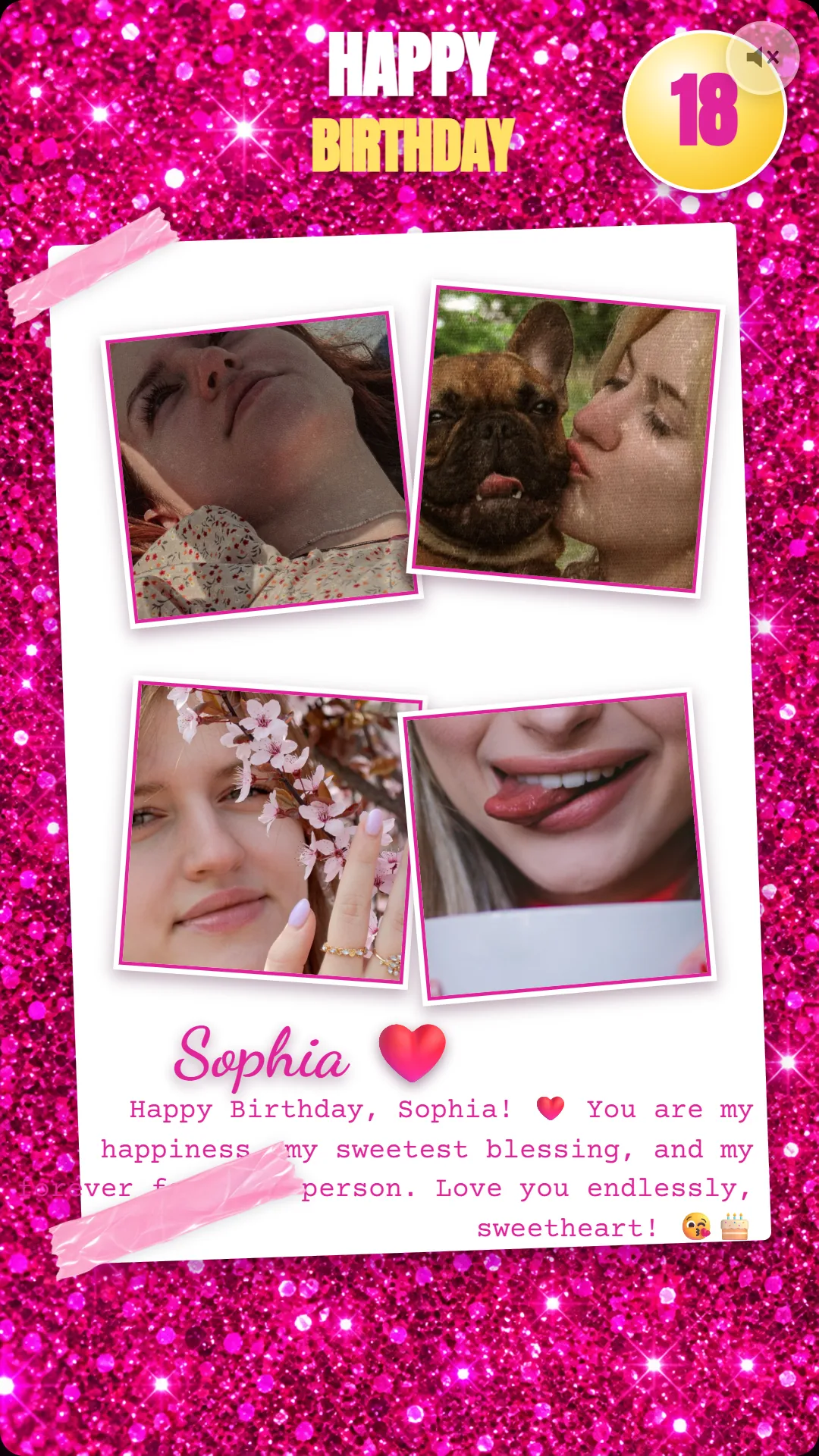 ₹79
Glitter Pink
Sparkling pink glitter background with a white polaroid frame and four photos.
View details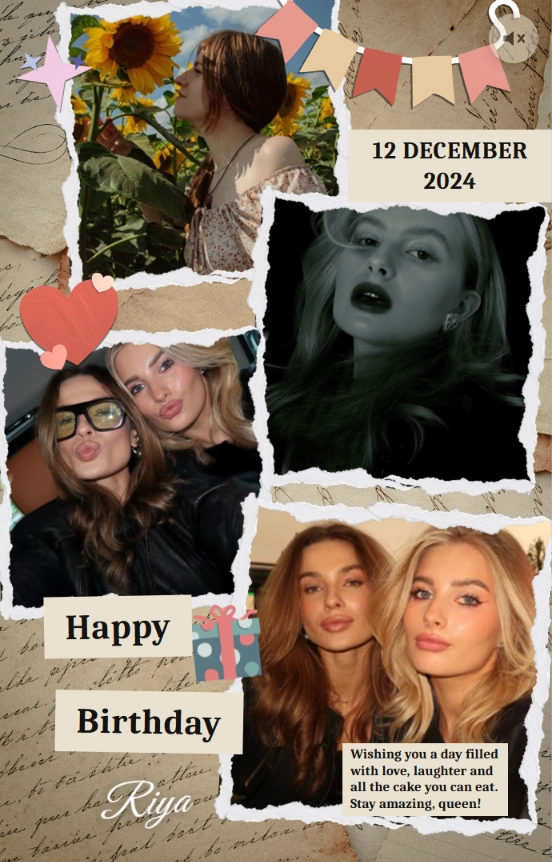 ₹69
How to make a kids birthday card in three steps
The card takes about three minutes. Preview it with the child in mind, then change any detail before you unlock it.
Pick a bright design
The designs above are colourful and playful. Open the live demo to see the full card, then press Edit to make your own.
Add their name, age and photos
Type the child's name and age, then upload photos where they look happy, such as a birthday party, a park trip or a day with friends.
Write a happy message, unlock and send
Write a short, cheerful message, check the preview, unlock the card and send the link to a parent to share.
Why children love a personal birthday card
Children light up when a birthday feels like it was made just for them. Seeing their own name, their own photo and a song they like can make the day feel magical. A bright, playful card gives them a moment to feel special, and it is easy for them to enjoy with a parent or grandparent nearby.
For grandparents and relatives who live far away, a kids card is also a way to stay part of the celebration. The child can see a message from family even when they cannot be together.

Choosing photos of children safely
Pick photos where the child looks happy and comfortable. Party pictures, park trips and time with pets are good choices. Avoid photos that show a school uniform name tag, a home address or any other personal detail that could identify where the child lives or studies.
Ask a parent or guardian to choose and approve the photos. Upload JPG, PNG or WebP files within the size limit on the form. Clear, bright images look best on a phone screen.
Writing a cheerful birthday message for a child
A message for a child should be short, bright and easy to understand. Mention their name, one thing you love about them, and a wish for a happy year, such as more adventures, new friends or fun days out. Simple words feel more exciting to a child than long sentences.
Add an emoji or a playful word if the style suits you, and keep the tone warm. Read the message out loud before you unlock it to make sure it is easy to read.
Adding the child's name, age and a happy song
The child's name appears on the card, so check the spelling before paying. The name is locked after unlocking. Age is a fun detail for kids, so you can show it clearly, and it often becomes the highlight of the card.
A background song can make the card feel like a party. Choose a preset, upload an audio file, or paste a direct link to a cheerful track. A song the child already loves will make the card even more exciting.
Frequently asked questions
How do I make a birthday wish for my child with photos?
Pick a design, enter the child's name and age, write a happy message, and upload photos. Preview the card, then unlock it to get a shareable link.
Can I add several photos of my child?
Yes. The create form allows several photos. Each one must be a JPG, PNG or WebP file under the size limit shown on the form.
Can I edit the card after I create it?
Yes, as long as the card is still a trial. You can change the name, age, message and photos. After you unlock the card, the details are locked.
How long does it take to make a kids birthday card?
Most parents finish in two to three minutes. The preview is free, so you can check the card before paying.
Is the kids birthday card free?
You can create and preview the card for free. A small one-time payment unlocks it and gives you a shareable link.
Can a child open the card on a tablet or phone?
Yes. The link opens in any mobile or desktop browser. A parent can open it for the child, which is usually the best way to share it.
What should I write in a kids birthday message?
Keep it short and cheerful. Mention their name, one thing you love about them, and a wish for a fun year ahead.
Can I add a song to the kids birthday card?
Yes. You can choose a preset song, upload an audio file, or paste a direct link to an MP3, M4A, OGG or WAV file.
Can grandparents who live far away see the card?
Yes. Share the personal link with grandparents and relatives. It works from anywhere with an internet connection.
Is it safe to share photos of my child?
Share only photos you are comfortable with. Avoid school name tags, home addresses or other personal details, and share the link only with people you trust.
Can I make a surprise birthday card for my child?
Yes. Prepare the card in advance, preview it, and send it at the moment you want. It stays private until you unlock and share it.
What if I want to delete the card?
You can delete any card from your manage page, and the card and its photos are removed from our system.
More birthday wishes
Make their birthday unforgettable
Pick a design, add your photos, and share a personal link in minutes.
Choose a designLast updated: 2026-11-21