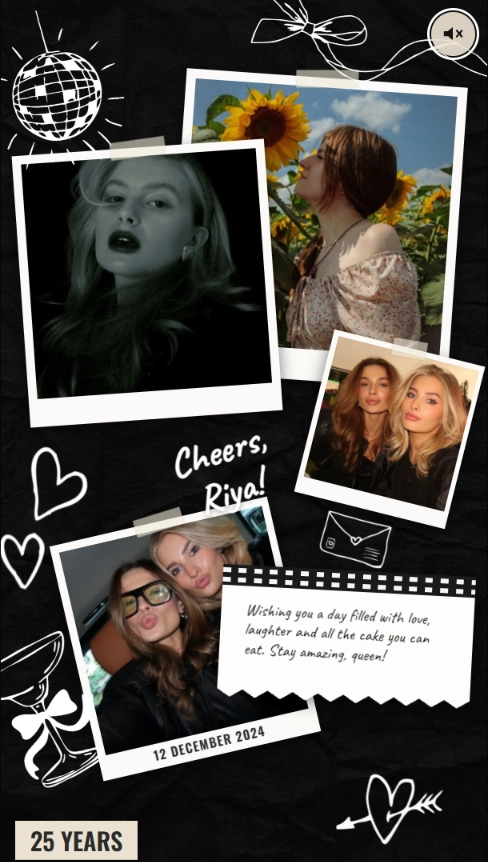
Cheers birthday card
Cheers night birthday card with your photos
Cheers is made for the birthdays that deserve a toast. The black night theme makes your photos stand out, polaroid frames hold the moments you have shared, and a wishing paper carries your message like a note passed across the table. It suits partners, parents and anyone you want to raise a glass to. Preview it free, add your details, and share a link in minutes.
- Girlfriend
- Boyfriend
- Husband
- Wife
- Mom
- Dad
Add the details and photos, preview your card, then unlock it to get a shareable link.
How to make a cheers birthday card in three steps
The full card takes about three minutes to set up. Check the night theme on your own screen first, and change anything you like before you unlock it.
Preview the night design
Open the live demo to see the black background, polaroid frames and wishing paper. Check how it feels in a dim room before you start.
Add the name, age and your photos
Enter the birthday person's name and age, then upload photos. Warm pictures from dinners, trips or celebrations look especially good against the night theme.
Write a toast, unlock and share
Write a short toast-style message, unlock the card and send the link in a chat or on a call so the birthday person can open it straight away.
Why a night theme works for a special birthday
Dark backgrounds make bright things stand out, and that is exactly what a birthday photo needs. On the Cheers design, the black night background lets your photos and the wishing paper catch the eye, much like a candle or a string of lights on a dinner table. The effect feels more like an evening out than a daytime card, which suits birthdays celebrated at night.
The theme also works well on phones. Many people open their messages in the evening, and a dark design is easier on the eyes in a dim room. It feels calm and intimate, so the message stays in focus.
Using polaroid frames to show shared memories
Polaroid frames tell a story one picture at a time. Choose photos from different moments in your relationship or family life, such as a first holiday, an ordinary breakfast, or a birthday from years ago. Each frame adds a small piece of history, which is why the card feels personal even though the design is simple.
Try to pick photos with similar brightness so the frames look balanced. A slightly darker photo still works on a night background, but avoid very overexposed images, because they look washed out next to the black theme.
Writing a toast-style birthday message
A cheers card calls for a message that sounds like a toast. Start with a line that welcomes the birthday person into their new year, mention one thing you admire about them, and finish by raising a glass to what comes next. Short sentences read well when they are spoken aloud, so read your message out loud before you unlock the card.
For parents, a toast can mention gratitude and small everyday moments. For partners, it can recall a place you visited together or a promise you want to keep. Either way, keep it warm and specific.
Cheers birthday cards for mom, dad, husband, wife and partners
The Cheers design is built for partners and parents because its tone is warm without being childish. A mother or father often treasures a message that recognises their effort, while a partner usually responds to a line that feels intimate. The same design works for both, so the difference comes from your words.
If you are sending a card to a parent who is not used to digital messages, explain briefly what the link is before you send it. A short note such as 'I made this for your birthday, tap the link to open it' helps them understand the surprise.
Frequently asked questions
What is a cheers birthday card?
A cheers birthday card is a digital birthday wish with a toast-style feel. The Cheers design uses a black night theme, polaroid photos and a wishing paper, with your name, photos and message on top.
Is the Cheers design suitable for parents?
Yes. The warm tone and night theme suit mom and dad as well as partners. Choose photos that show your family together for the best effect.
Can I see the Cheers design before I pay?
Yes. The live demo shows the full card. You can also create your own card and check the preview before you unlock it.
Does the night theme work well on a phone?
Yes. The dark background is comfortable to view in dim light, and the layout is designed to be read on a phone screen.
How many photos can I use?
You can add several photos on the create form. Three or four clear photos usually look best with the polaroid frames.
Can I edit the message after I create the card?
Yes. While the card is a trial, you can change the name, age, message and photos. Once you unlock it, the details are locked.
What is the wishing paper for?
The wishing paper shows your written message. It is designed to feel like a note passed across the table, so keep your message short and heartfelt.
Can I add music to the Cheers card?
Yes. Choose a preset song, upload your own audio file, or paste a direct link to an MP3, M4A, OGG or WAV song.
Can I send the card to someone who lives far away?
Yes. The personal link opens in any browser, so you can send it across cities or countries on WhatsApp or any other app.
How do I share the card after unlocking it?
Open your manage page and copy the share link. Send it to the birthday person by chat, email or message. The link stays active for the validity period shown on your manage page.
Other birthday card designs
Explore more designs and find the one that fits your birthday person.
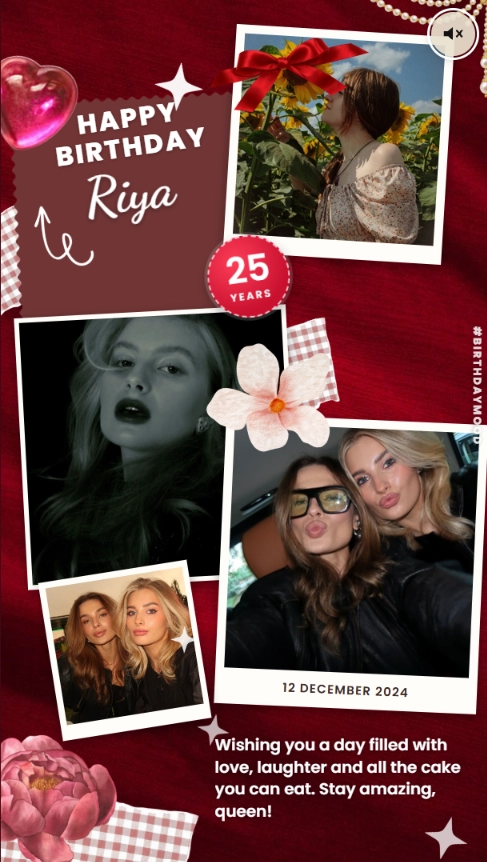
Bestie
Red polaroids, satin bow and a wishing note.
View Bestie design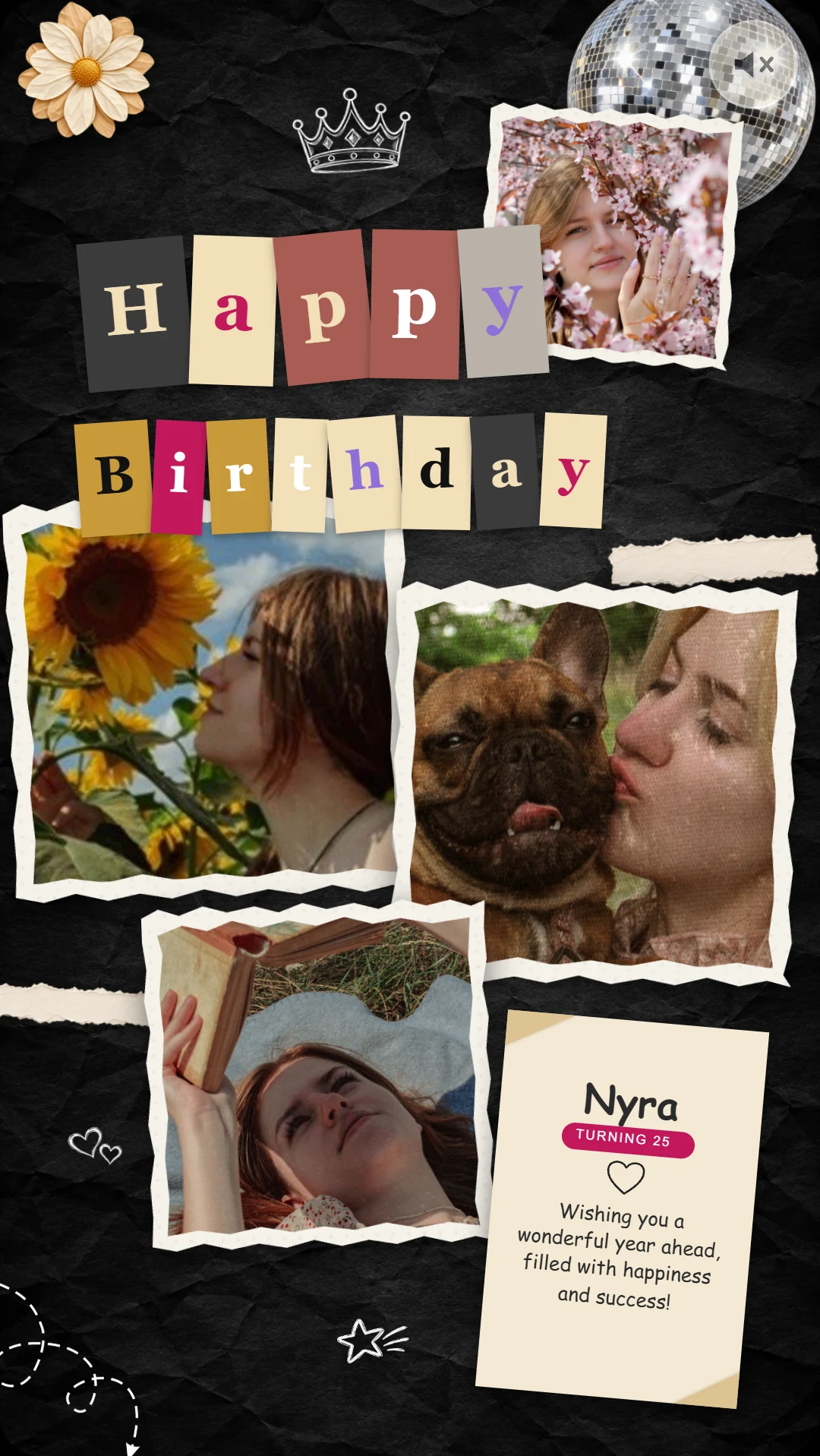
Birthday Cheers
Black crumpled paper collage with torn photos, cut-out letters and doodle stickers.
View Birthday Cheers design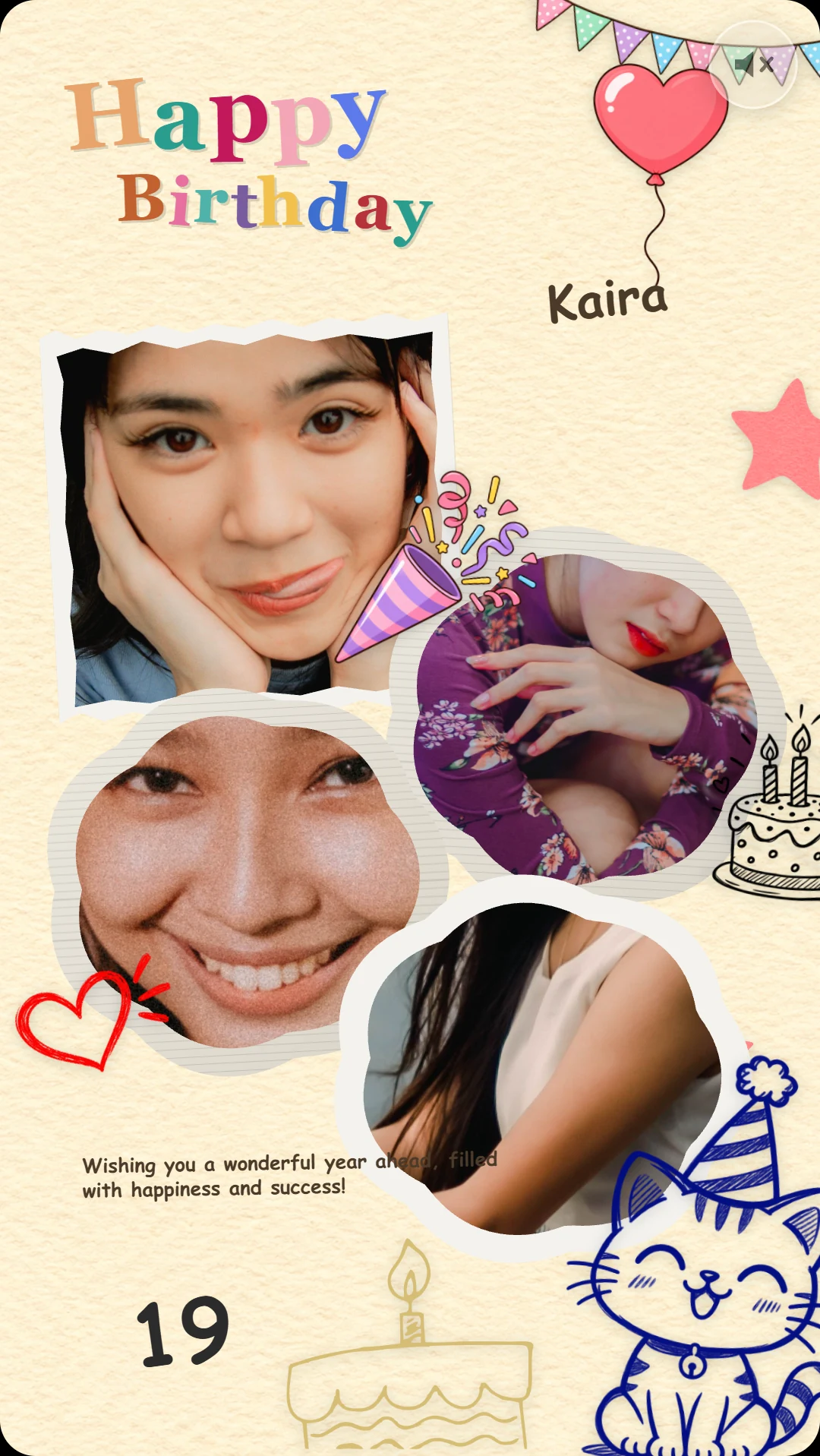
Cream Collage
Cream paper collage with cut-out letters, cloud-cut photos and doodle stickers.
View Cream Collage design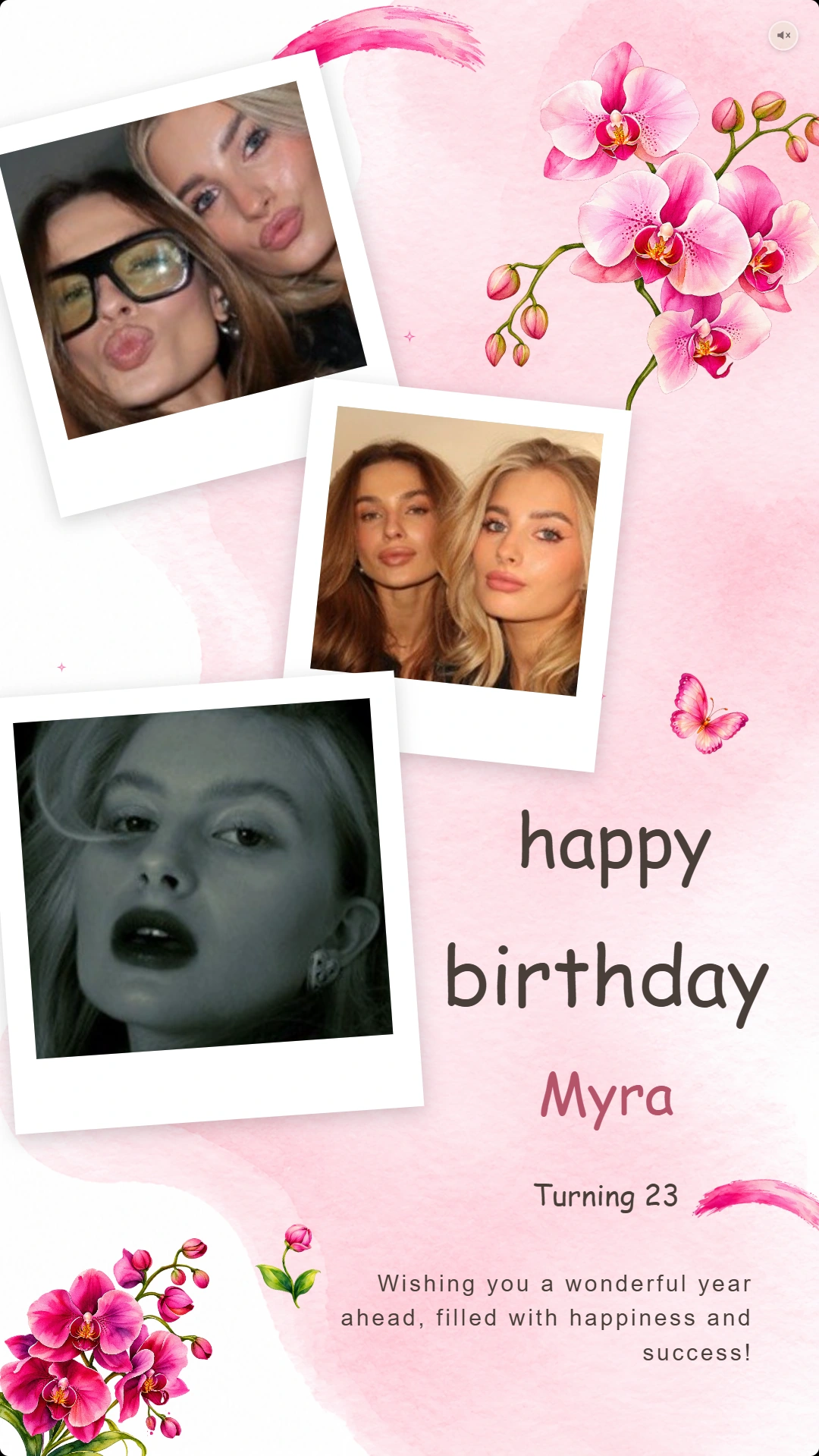
Floral
Watercolour orchids, polaroid photos and a soft script birthday note.
View Floral design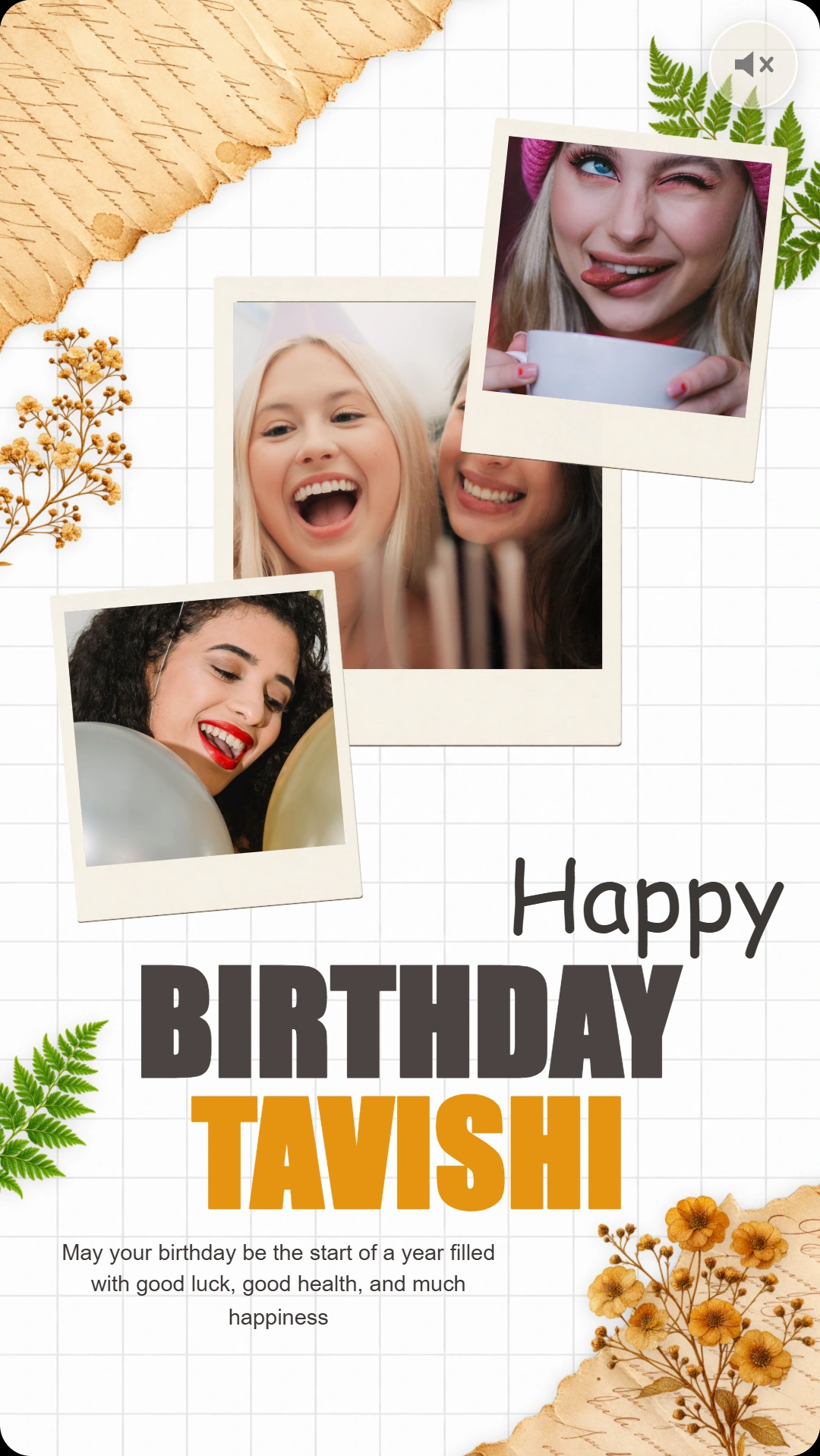
Vintage
Vintage scrapbook with handwritten letters, pressed flowers, polaroids and a bold birthday title.
View Vintage design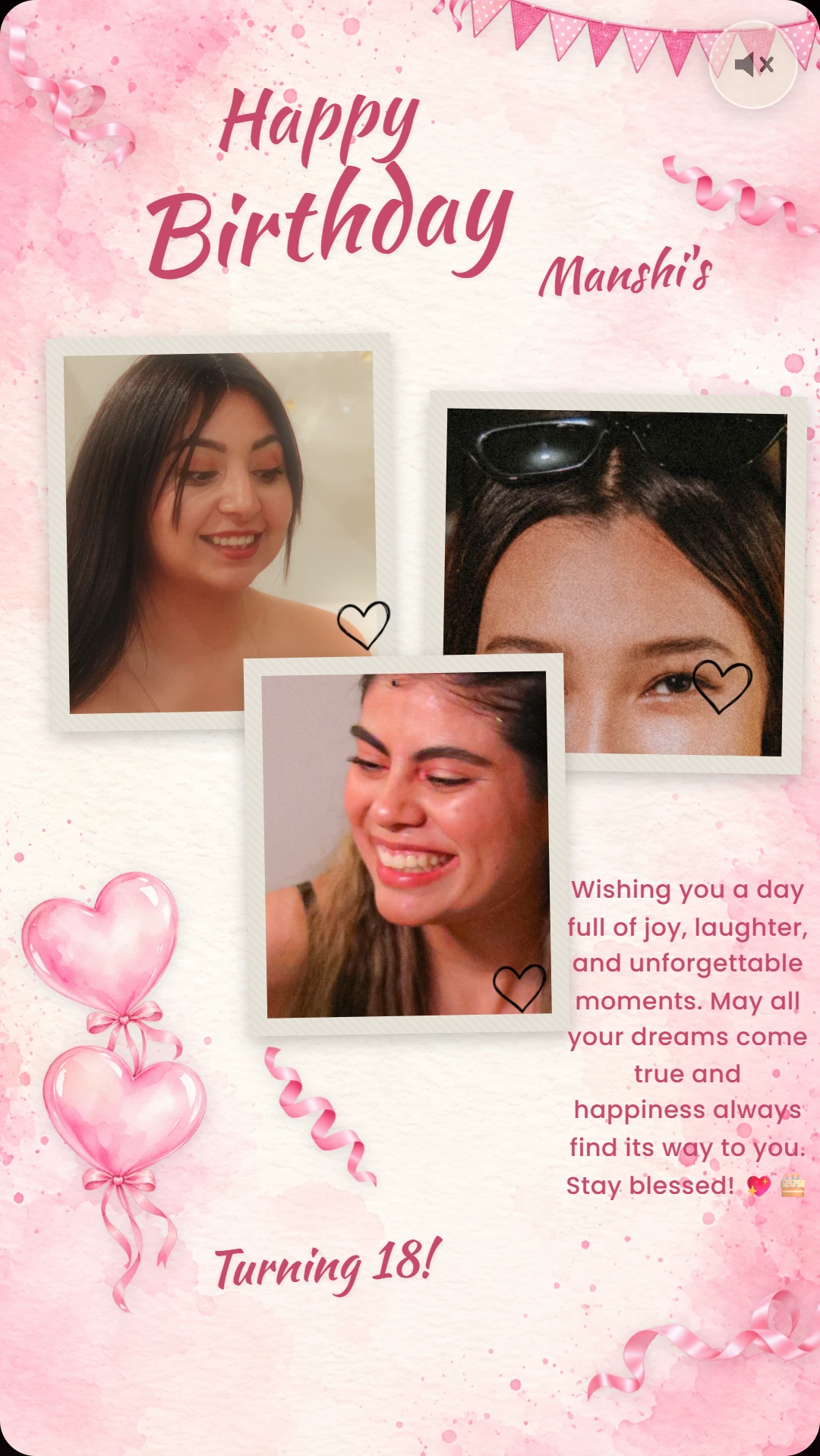
Pink Birthday
Pink watercolour card with heart balloons, bunting, ribbons and polaroid photos.
View Pink Birthday design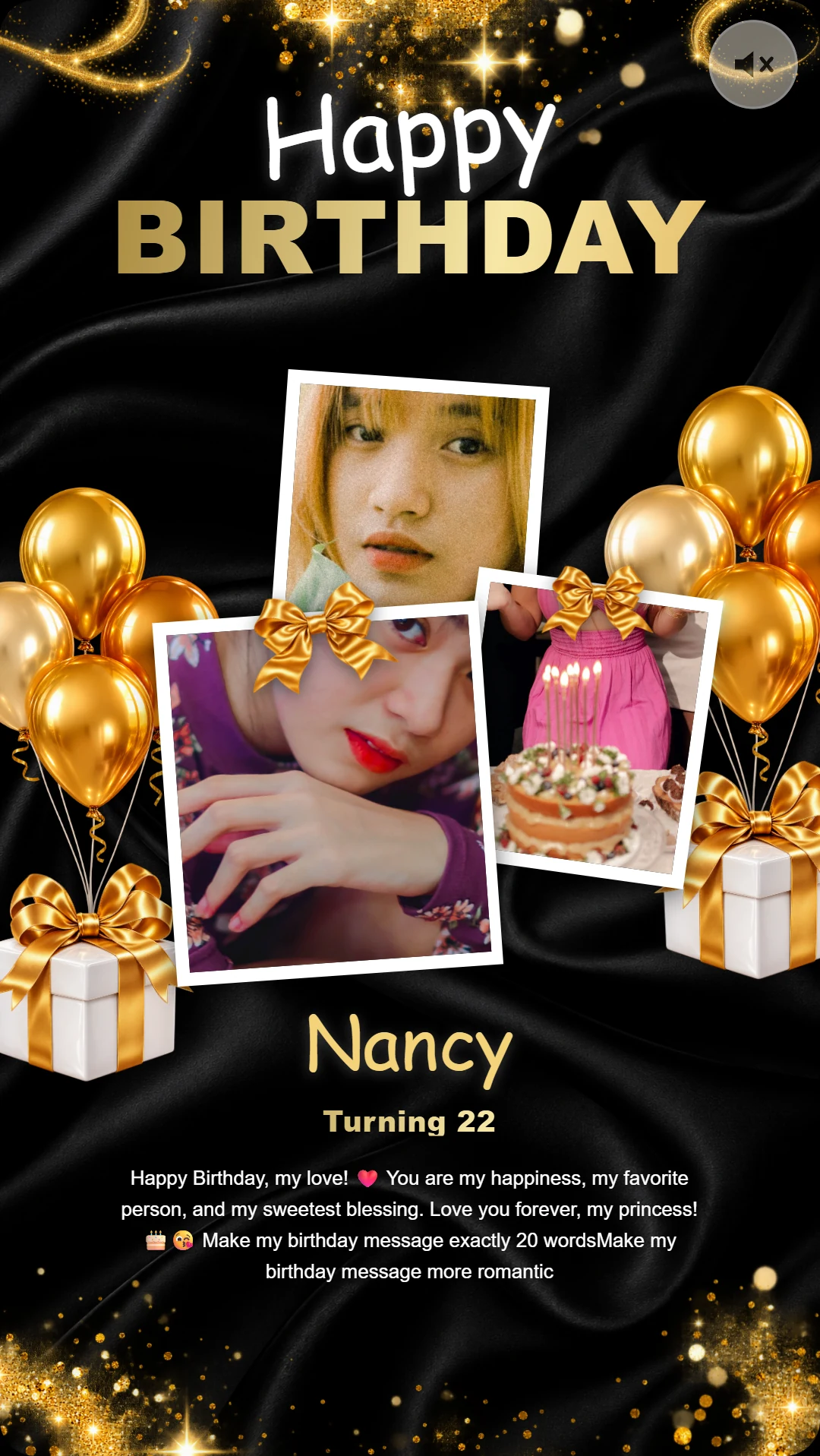
Night Gold
Black silk night card with gold balloons, gift boxes, shimmering BIRTHDAY text and polaroid photos.
View Night Gold design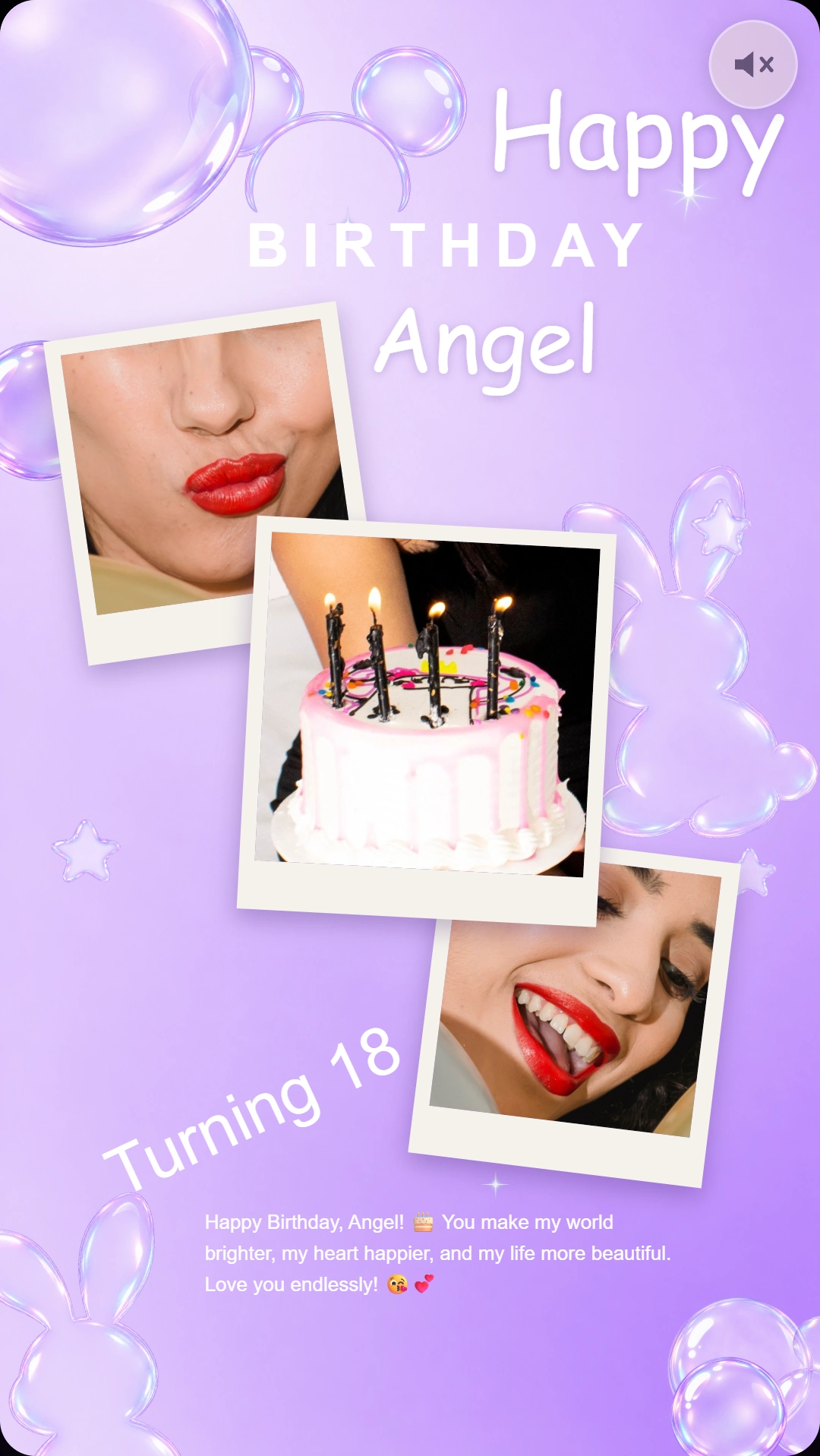
Lavender Bubble
Lavender bubble card with glossy bubbles, sparkles and polaroid photos in motion.
View Lavender Bubble design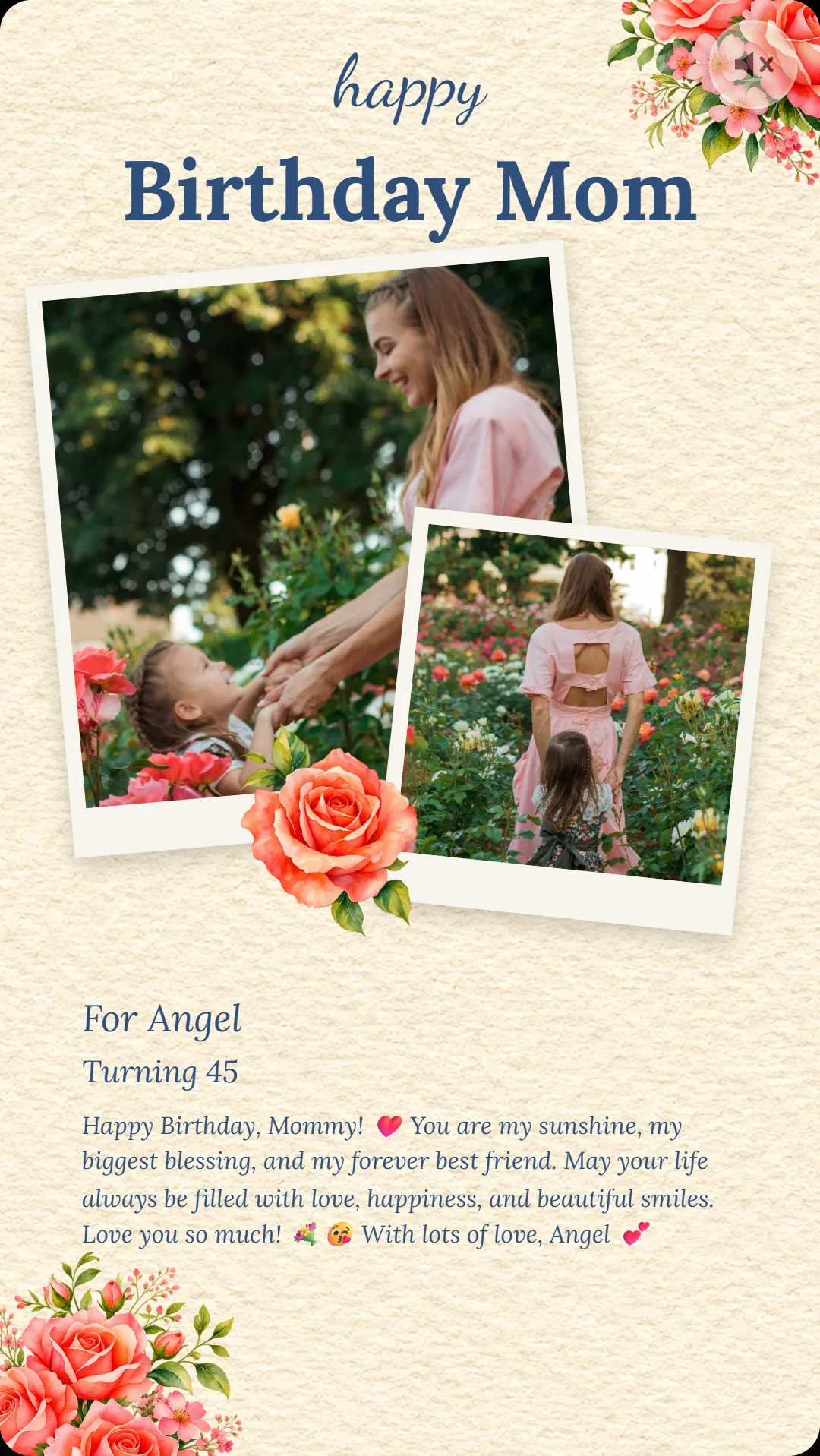
Happy Birthday Mom
Soft cream card with heart pattern, polaroid photos, flowers and a heartfelt note for mom.
View Happy Birthday Mom design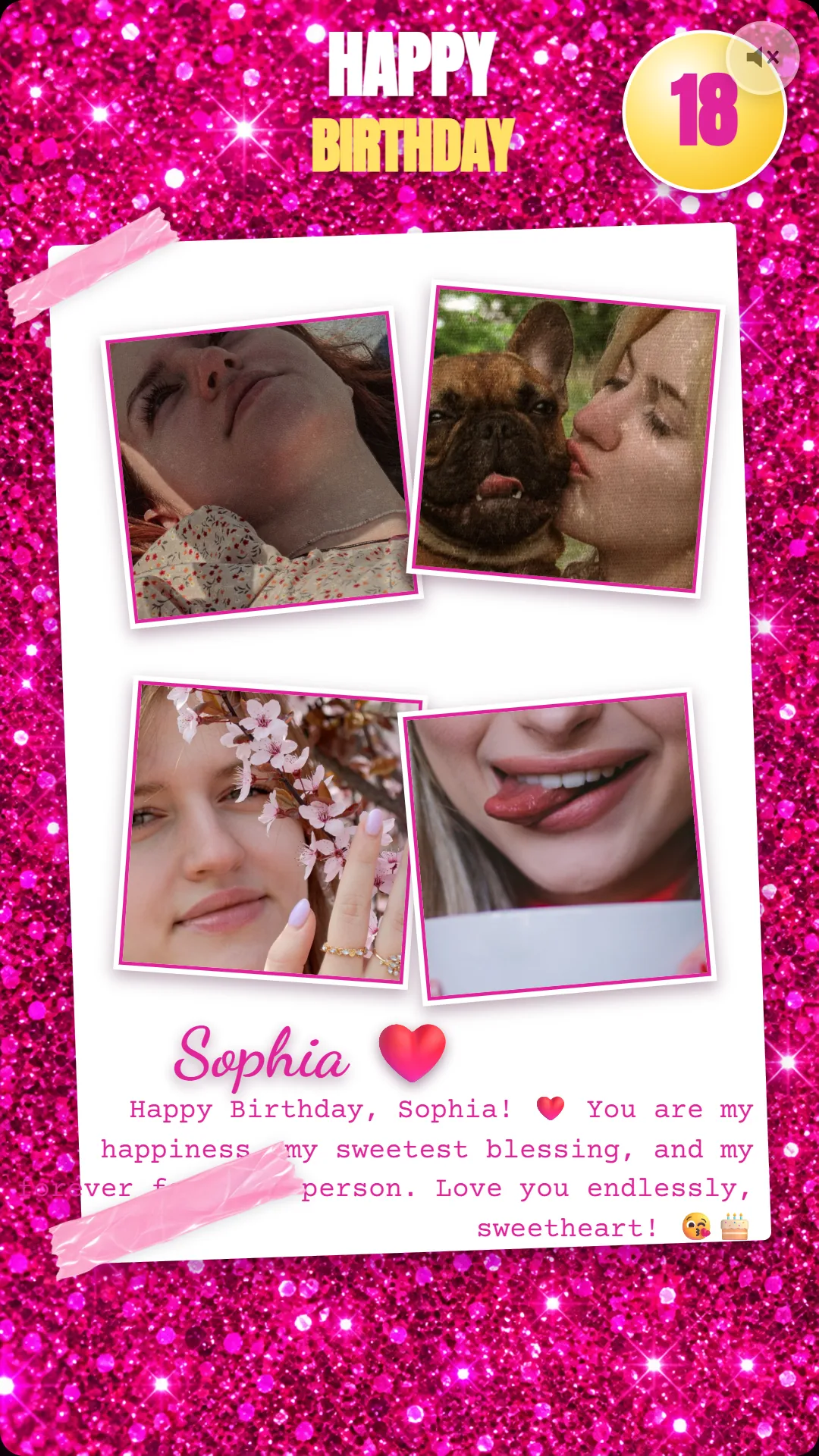
Glitter Pink
Sparkling pink glitter background with a white polaroid frame and four photos.
View Glitter Pink design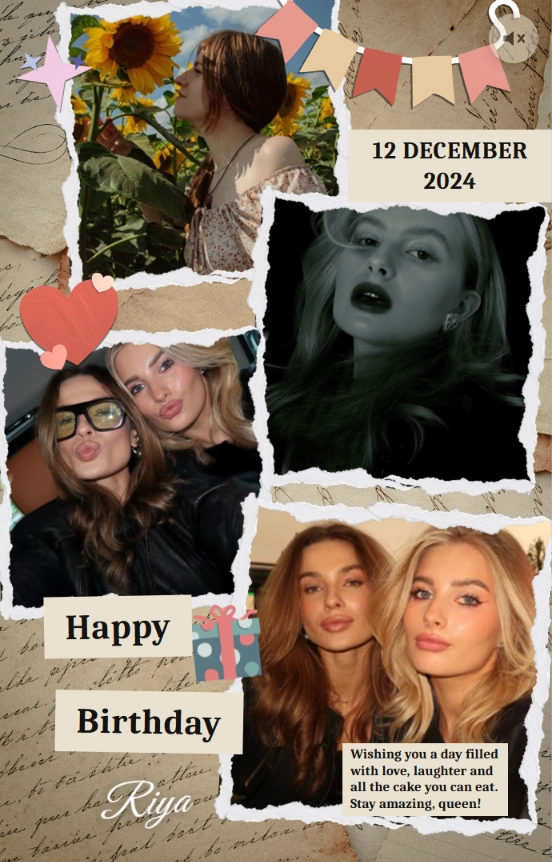
Birthday
Bright birthday collage with a gift box opening.
View Birthday design
Create your Cheers birthday card
Add your photos, write your message, and share a personal link in minutes.
Start with this designLast updated: 2026-11-21